Less Than or Equal To Symbol
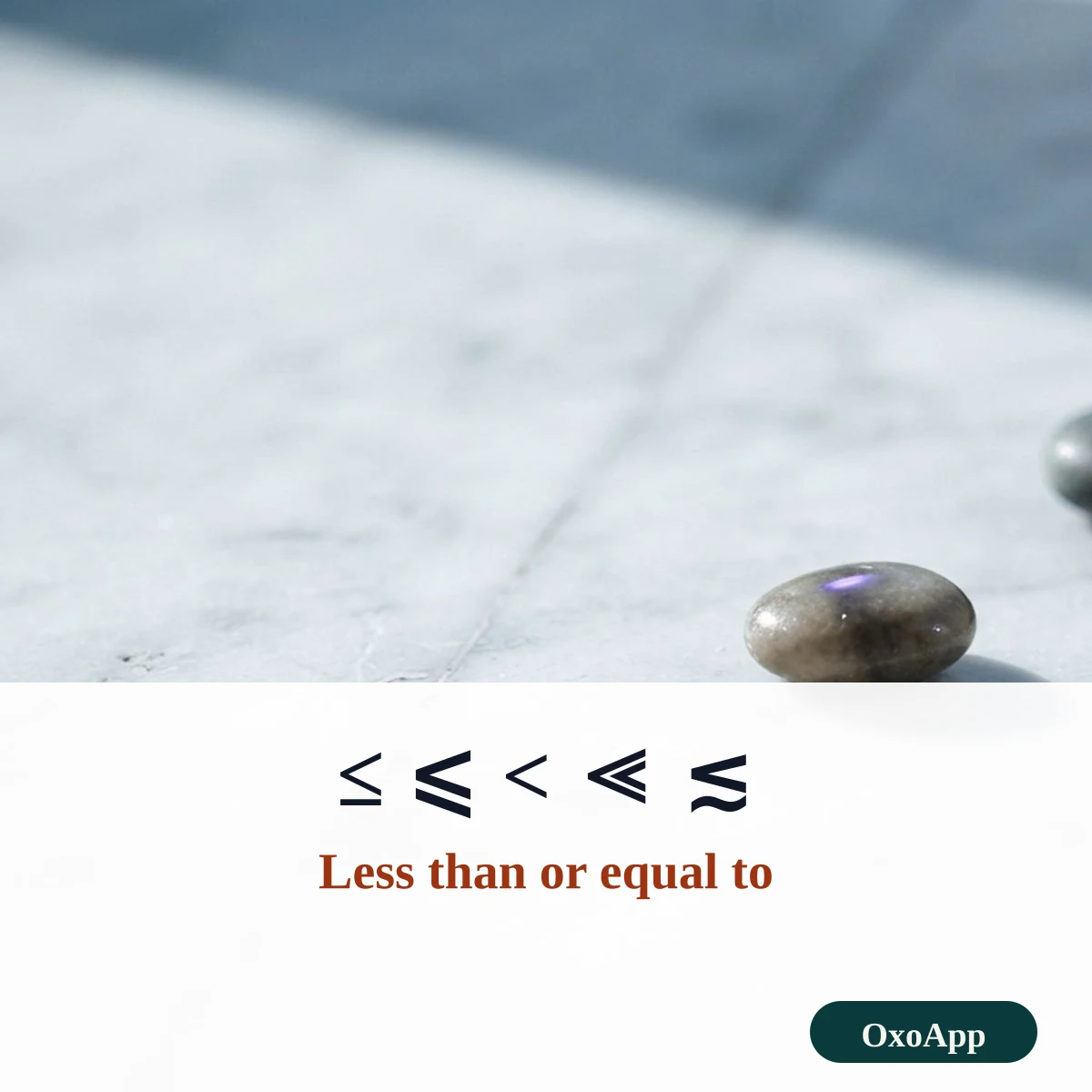
The less than or equal to symbol is ≤, U+2264. Copy it below with ⩽, <, ≪ and ≲, and compare it with ≥ side by side. Then see how to type it in Word with 2264 Alt+X, why ≤ breaks an Excel formula, and a memory trick for telling the two signs apart.
Less than and less than or equal
Less-than lines
Framed less-than lines
Copy ≤ in three steps
- Tap ≤ in the first group. Its mirror ≥ is on the greater-than page if you need both.
- Pick a variant if your style asks for it: ⩽ with a slanted bar or ≦ with a double bar.
- Paste it. For a formula in a spreadsheet or program, type <= with the keyboard instead.
Less-than signs with names, codes and shortcuts
| Sign | Unicode name | Code | HTML | Windows | Mac | LaTeX |
|---|---|---|---|---|---|---|
| ≤ | Less-Than Or Equal To | U+2264 | ≤ |
Alt+X after 2264 | Option+, | \leq |
| ≦ | Less-Than Over Equal To | U+2266 | ≦ |
Alt+X after 2266 | – | \leqq |
| ⩽ | Less-Than Or Slanted Equal To | U+2A7D | ⩽ |
Alt+X after 2A7D | – | \leqslant |
| < | Less-Than Sign | U+003C | < |
Shift+comma | Shift+, | < |
| ≪ | Much Less-Than | U+226A | ≪ |
Alt+X after 226A | – | \ll |
| ≲ | Less-Than Or Equivalent To | U+2272 | ≲ |
Alt+X after 2272 | – | \lesssim |
The four basic comparison signs
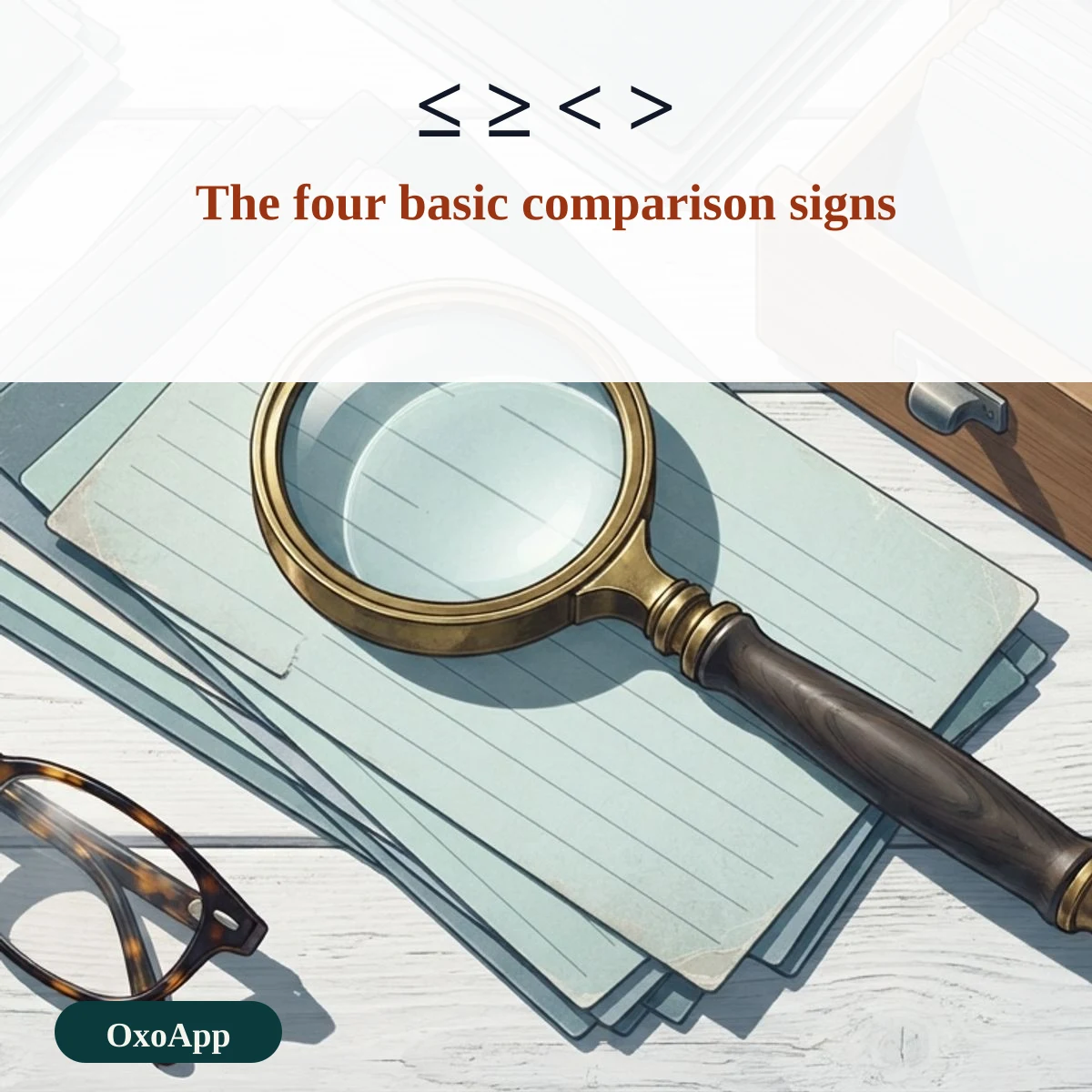
Four signs cover most comparisons. Each pair is mirrored left to right, and the line under a sign means equal is allowed too.
| Sign | Name | In words | Example |
|---|---|---|---|
| ≤ | Less than or equal to | at most 10 | n ≤ 10 |
| ≥ | Greater than or equal to | at least 10 | n ≥ 10 |
| < | Less than | under 10 | n < 10 |
| > | Greater than | over 10 | n > 10 |
Why ≤ fails in Excel
Excel and Google Sheets compare values with plain keyboard characters, so a test is written <=, as in =IF(B2<=12,”child”,”adult”). If you paste ≤ into a formula, the program does not know it as an operator and returns an error. Keep ≤ for headings, notes and documents, and use <= where a computer reads the text. The same rule applies to most programming languages.
Everyday examples of at most
The phrase at most always means less than or equal to. These lines are typical.
| Written | Read as | Where you see it |
|---|---|---|
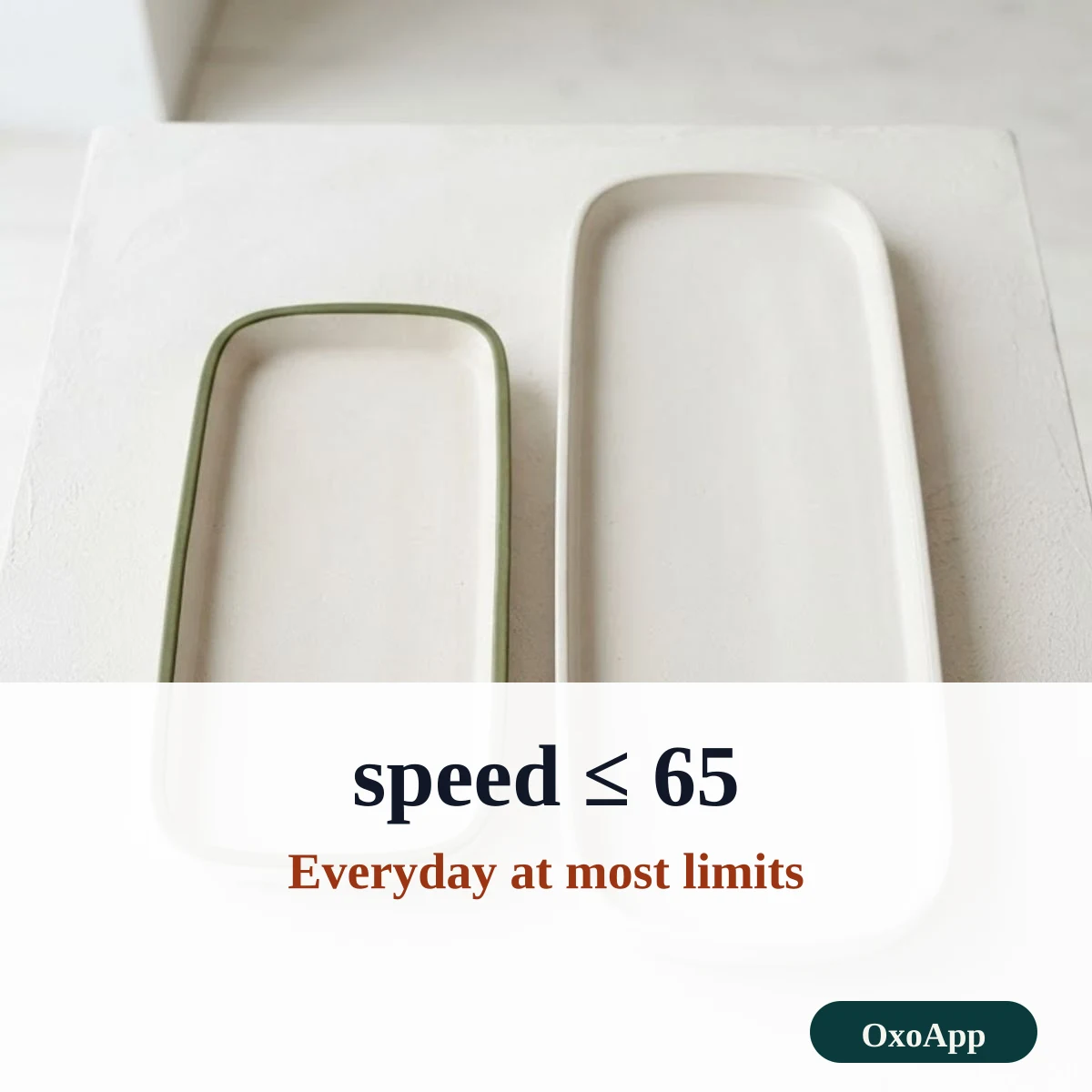
| speed ≤ 65 | the speed is 65 or lower | Posted limit |
| age ≤ 12 | 12 years old or younger | Child ticket |
| qty ≤ 3 | three items or fewer | Order limit |
| temp ≤ 0 | zero or colder | Freezing |
A memory trick
Picture an alligator that wants the bigger meal. Its mouth always opens toward the bigger number. In 3 < 8 the mouth opens toward 8, and in 8 > 3 it also opens toward 8. Add the line below the mouth for ≤ and ≥ and you have the or-equal forms.
The reverse sign is on the greater than or equal to page, and more groups are on symbols.
Device check
The signs are copied exactly as shown, with the code in the tables. We have not yet tested them on specific phones or systems. If one appears as a box, email [email protected] with the character, device and system version.
Frequently asked questions
How do I type ≤ in Word?
Type 2264 and press Alt+X, and Word turns it into ≤. You can also open Insert, then Symbol, and pick it from the mathematical operators.
Why does ≤ break my Excel formula?
Excel reads only the keyboard form <= in a formula. If you paste the single character ≤, Excel treats it as text and the formula returns an error. Use ≤ in labels and notes, and <= in the formula.
How do I remember which sign is which?
Think of an alligator that always eats the bigger number. The mouth opens toward the larger side. For ≤, the larger side is on the right, so the sign looks like a mouth opening to the right, with a line underneath for the equal part.
What is the difference between ≤ and ⩽?
Both mean less than or equal to. ⩽ is U+2A7D and has a slanted bar. ≤ is U+2264 and is the common form. The two are the same in meaning.
Back to OxoApp.
Updated