Math Symbols
Math symbols to copy and paste: the plus-minus sign ±, not equal to ≠, almost equal ≈, times ×, divide ÷, sum ∑, infinity ∞ and more. Tap a symbol to copy it with its Unicode name and code, and see how to type each one with Alt codes, the Mac keyboard and LaTeX.
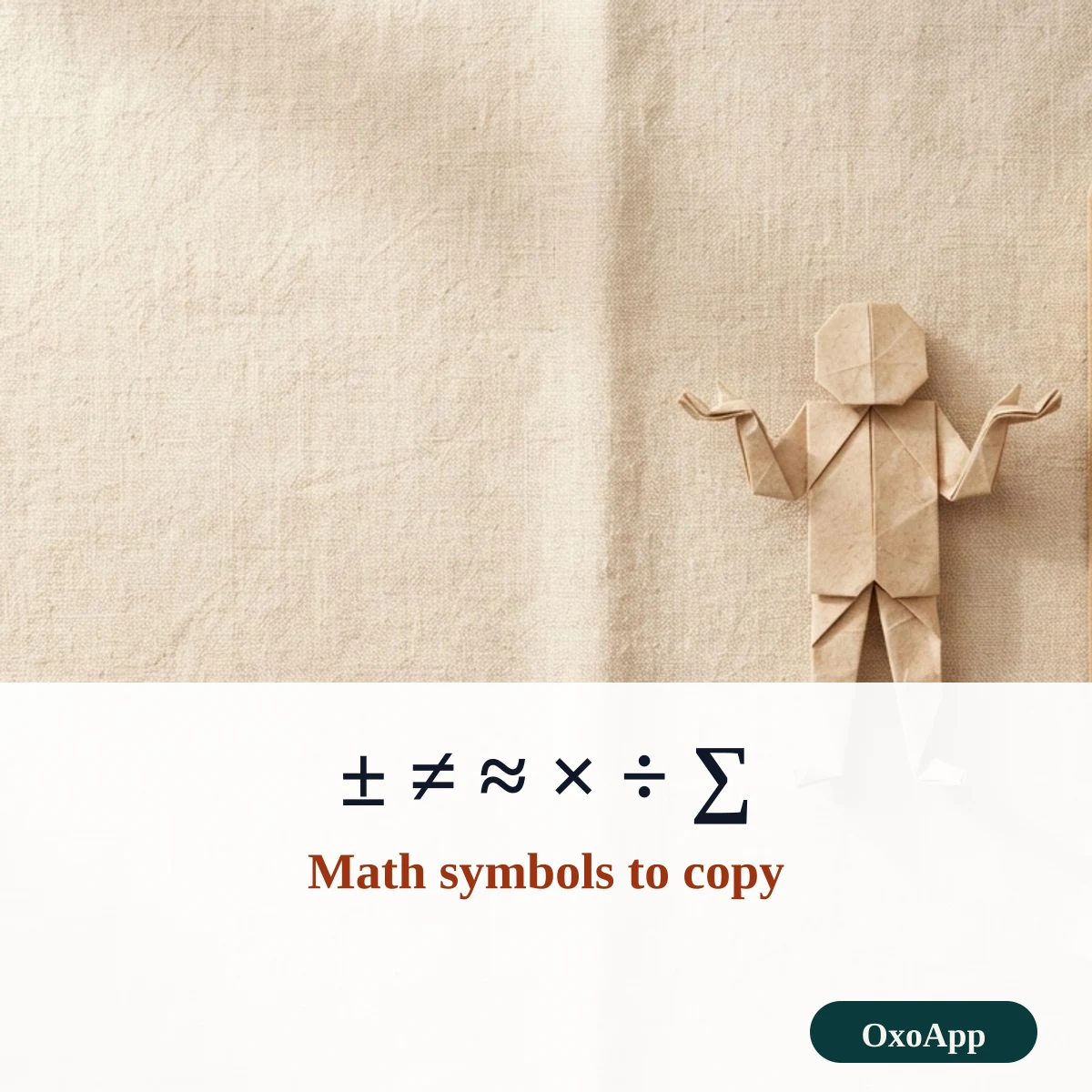
Copy a math symbol in three steps
- Tap ± or ≠ at the top, which are the two most searched signs, or filter the full list by name, such as plus or equal.
- The symbol is copied and added to the selection box so you can build a short expression.
- Paste it into your document, message or equation. If a program cannot take the sign, use the plain-keyboard form shown in the FAQ.
Math symbols with names, codes and shortcuts
| Symbol | Unicode name | Code | HTML | Windows | Mac | LaTeX |
|---|---|---|---|---|---|---|
| ± | Plus-Minus Sign | U+00B1 | ± |
Alt+0177 | Option+Shift+= | \pm |
| ∓ | Minus-Or-Plus Sign | U+2213 | ∓ |
– | – | \mp |
| ≠ | Not Equal To | U+2260 | ≠ |
Alt+X after 2260 | Option+= | \neq |
| ≈ | Almost Equal To | U+2248 | ≈ |
Alt+X after 2248 | Option+X | \approx |
| × | Multiplication Sign | U+00D7 | × |
Alt+0215 | – | \times |
| ÷ | Division Sign | U+00F7 | ÷ |
Alt+0247 | Option+/ | \div |
| ∑ | N-Ary Summation | U+2211 | ∑ |
Alt+X after 2211 | Option+W | \sum |
| ∞ | Infinity | U+221E | ∞ |
Alt+236 | Option+5 | \infty |
Math signs with labels and expressions
Each line below pairs a sign with its name, so you can copy the sign and the word together, or take a whole expression. Tap to copy.
Why × is not the letter x
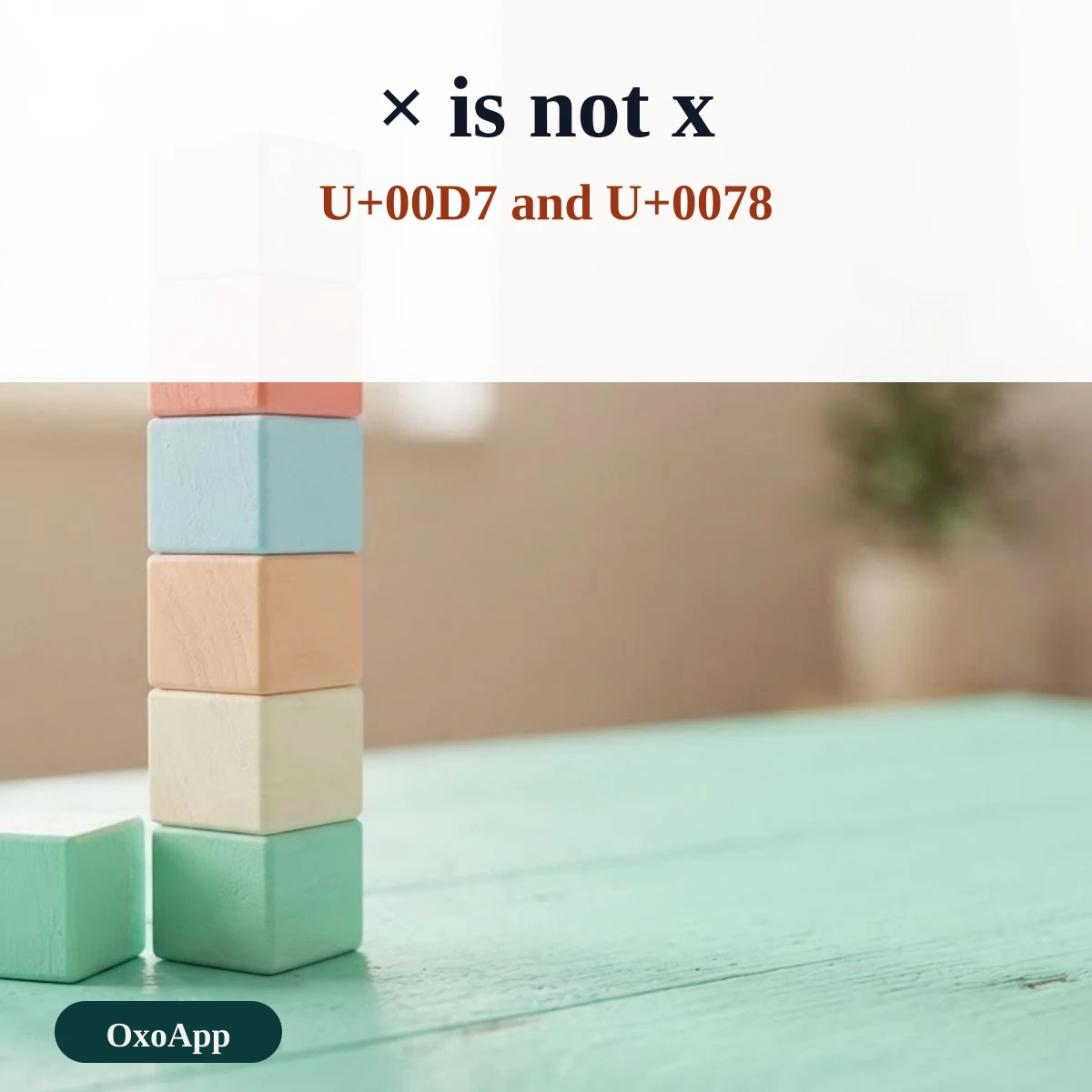
The multiplication sign × is a separate character from the letter x. It sits in the Latin-1 block at U+00D7, and the letter x is U+0078. In a spreadsheet, a formula using the letter x for multiplication fails, while a formula using the asterisk works. Use × in text and the asterisk in a formula. The dot operator ∙, U+2219, and the middle dot ·, U+00B7, are also used for multiplication, and they are different characters too.
Equals and its relatives
The equals family has many members. = says two things are equal, ≠ says they are not, ≈ says they are about the same, ≡ says they are identical in every case, and ≢ says they are not. In programming, != or <> usually replaces ≠, and == replaces =, because keyboards have no key for the sign.
Sums, products and sets
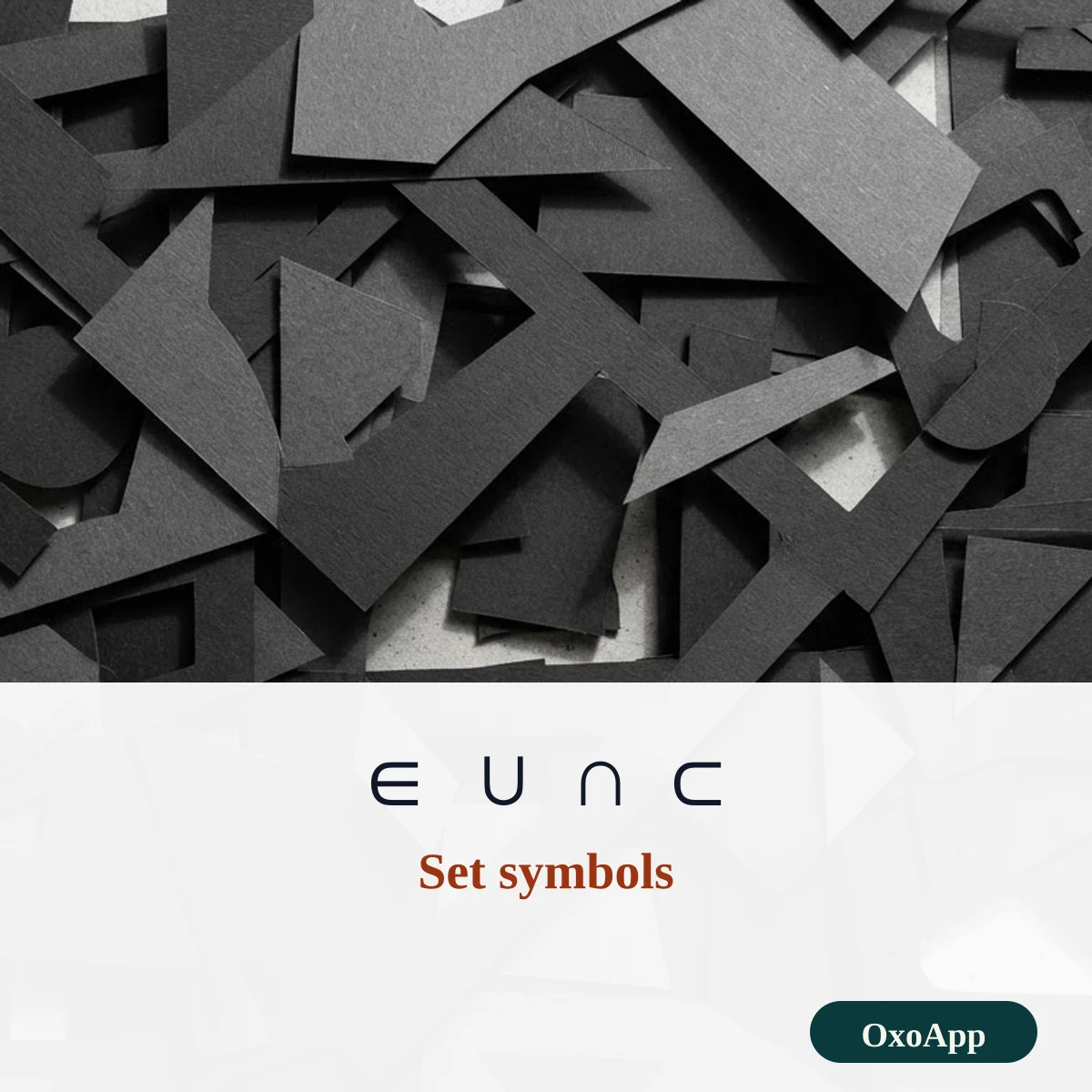
∑ is the capital Greek letter sigma used for a sum, and ∏ is the capital pi used for a product. They are separate characters from the Greek letters Σ and Π, even though they look alike. The set signs ∈, ∉, ⊂, ⊃, ∪ and ∩ say that something belongs to a set, does not belong, is inside, contains, joins or overlaps. A short group of related signs is on the symbols page, and you can find decorative marks such as the heart symbol there too.
Device check
Symbols are copied exactly as shown, with the code in the table. We have not yet tested them on specific phones or systems. If one appears as a box, email [email protected] with the symbol, device and system version.
Frequently asked questions
How do I type the plus-minus sign ±?
On Windows, hold Alt and type 0177 on the number pad. On a Mac, press Option+Shift+=. In Word, type 00B1 and press Alt+X. In LaTeX write \pm.
How do I type not equal to ≠?
Type 2260 and press Alt+X in Word, or press Option+= on a Mac. In LaTeX write \neq. If a field takes only plain keyboard characters, write != or <> instead.
Is × the same as the letter x?
No. The multiplication sign × is U+00D7 and the letter x is U+0078. They look alike, but a search, a formula parser and a screen reader treat them differently, and × is the one to use for multiplication.
What does ± mean?
It means plus or minus. It gives a tolerance, as in 5 ± 0.2, or two values at once, as in the quadratic formula x = (−b ± √(b² − 4ac)) / 2a.
Back to OxoApp.
Updated