Italic Text Generator
An italic text generator changes plain letters into slanted Unicode characters, like 𝘐𝘵𝘢𝘭𝘪𝘤 in sans, 𝐼𝑡𝑎𝑙𝑖𝑐 in serif and 𝙄𝙩𝙖𝙡𝙞𝙘 in bold sans. Type below, copy the style you like and paste it into a bio, caption or chat that has no italic button of its own.
- Italic sans𝘖𝘹𝘰𝘈𝘱𝘱
- Italic serif𝑂𝑥𝑜𝐴𝑝𝑝
- Bold italic sans𝙊𝙭𝙤𝘼𝙥𝙥
- Bold italic serif𝑶𝒙𝒐𝑨𝒑𝒑
- WhatsApp italic_OxoApp_
- Telegram italic__OxoApp__
Use the italic generator in three steps
- Write the words you want slanted. A short phrase works best, because long paragraphs are hard to read in styled letters.
- Choose a row. Sans looks like a modern interface font, serif looks like a book, and the bold rows add weight.
- Press Copy and paste. The slanted letters are normal text characters, so they travel with the message.
The four italic alphabets in Unicode
Unicode keeps its slanted Latin letters in the Mathematical Alphanumeric Symbols block (U+1D400–U+1D7FF), where they were added for math notation. They are separate characters from the letters on your keyboard, not a font setting.
| Style | Example | Capitals | Small letters |
|---|---|---|---|
| Italic serif | 𝐼𝑡𝑎𝑙𝑖𝑐 | U+1D434–U+1D44D | U+1D44E–U+1D467 |
| Bold italic serif | 𝑰𝒕𝒂𝒍𝒊𝒄 | U+1D468–U+1D481 | U+1D482–U+1D49B |
| Italic sans | 𝘐𝘵𝘢𝘭𝘪𝘤 | U+1D608–U+1D621 | U+1D622–U+1D63B |
| Bold italic sans | 𝙄𝙩𝙖𝙡𝙞𝙘 | U+1D63C–U+1D655 | U+1D656–U+1D66F |
The missing italic h
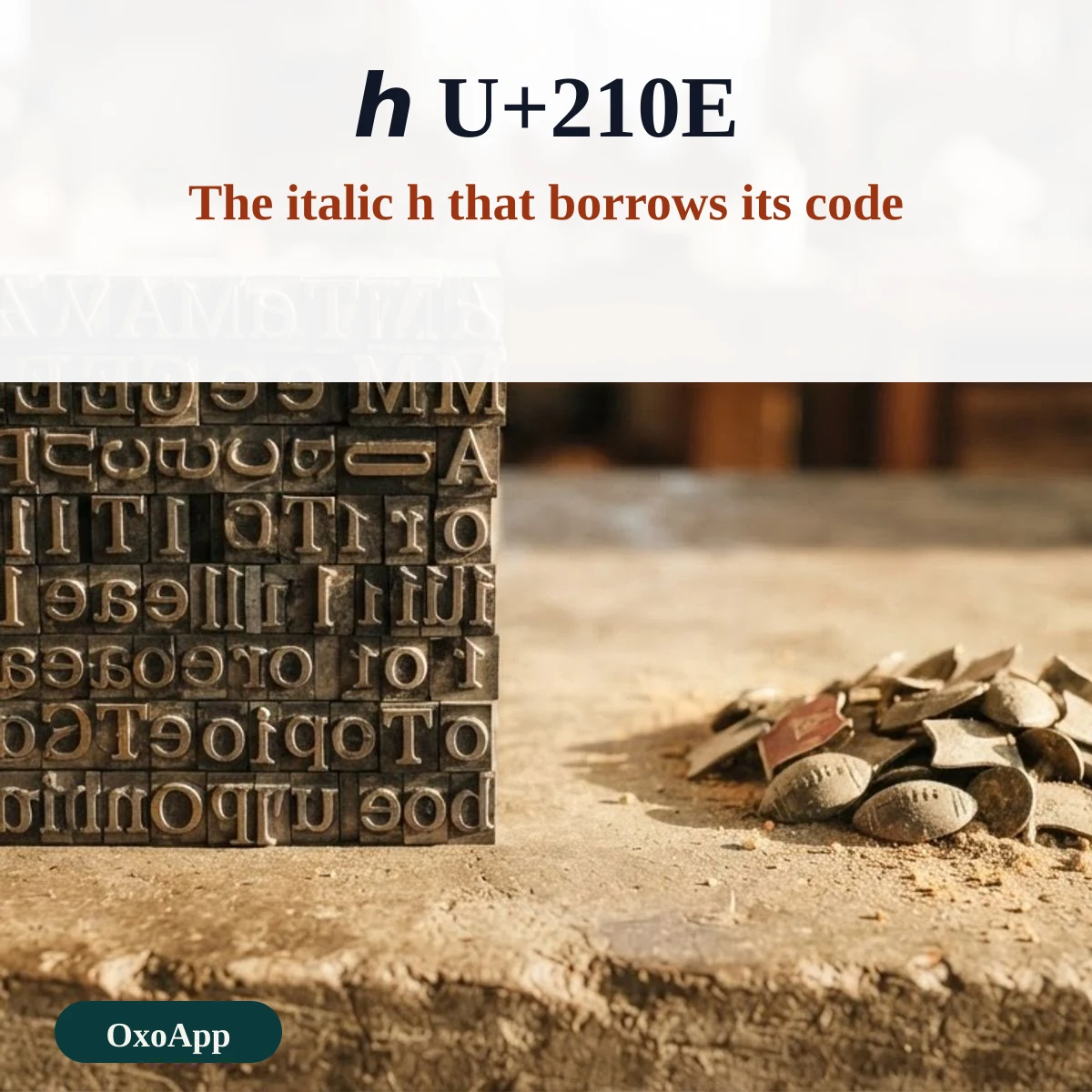
If you look at the serif italic small letters, one position is empty. Small h would sit at U+1D455, but that code point was never assigned, because ℎ (U+210E, Planck constant) already looked right. The generator swaps in U+210E for you, so the word stays whole. Copy it into a plain-text editor and you will see the h has a different name from the other letters.
Italics in chat apps without special characters
Several apps format italics from short markers, which keeps the text searchable and readable by screen readers. The generator lists the two most requested ones under the Unicode styles so you can compare them.
| App | Type this | Result |
|---|---|---|
| _Italic_ | Italic text | |
| Telegram | __Italic__ | Italic text |
| Discord | *Italic* or _Italic_ | Italic text |
| Slack | _Italic_ | Italic text |
When Unicode italics are the wrong choice
- Usernames and logins. The site may block the characters, or you may not be able to type them back on another device.
- Long text. Styled letters are harder to scan, and anyone using a screen reader hears each letter named.
- Anything that must be found by search. A page title in italic letters will not match a search for the plain word.
Device check
The styled letters are copied as they appear on this page, and the code ranges are in the table above. We have not yet tested them on specific phones or operating systems. If a style shows empty boxes on your device, email [email protected] with the style, the device and the system version.
Frequently asked questions
Why is the italic h different from the other letters?
In the serif italic block the small h was left out, because the letter ℎ already existed as the Planck constant sign, U+210E. The tool uses that character, so it looks like an italic h but has a different Unicode name.
Do italic numbers exist?
Not in the italic blocks. Unicode has bold, double-struck, sans, bold sans and monospace digits, but no italic ones, so digits stay plain in the italic styles.
How do I make italics in WhatsApp or Telegram without these characters?
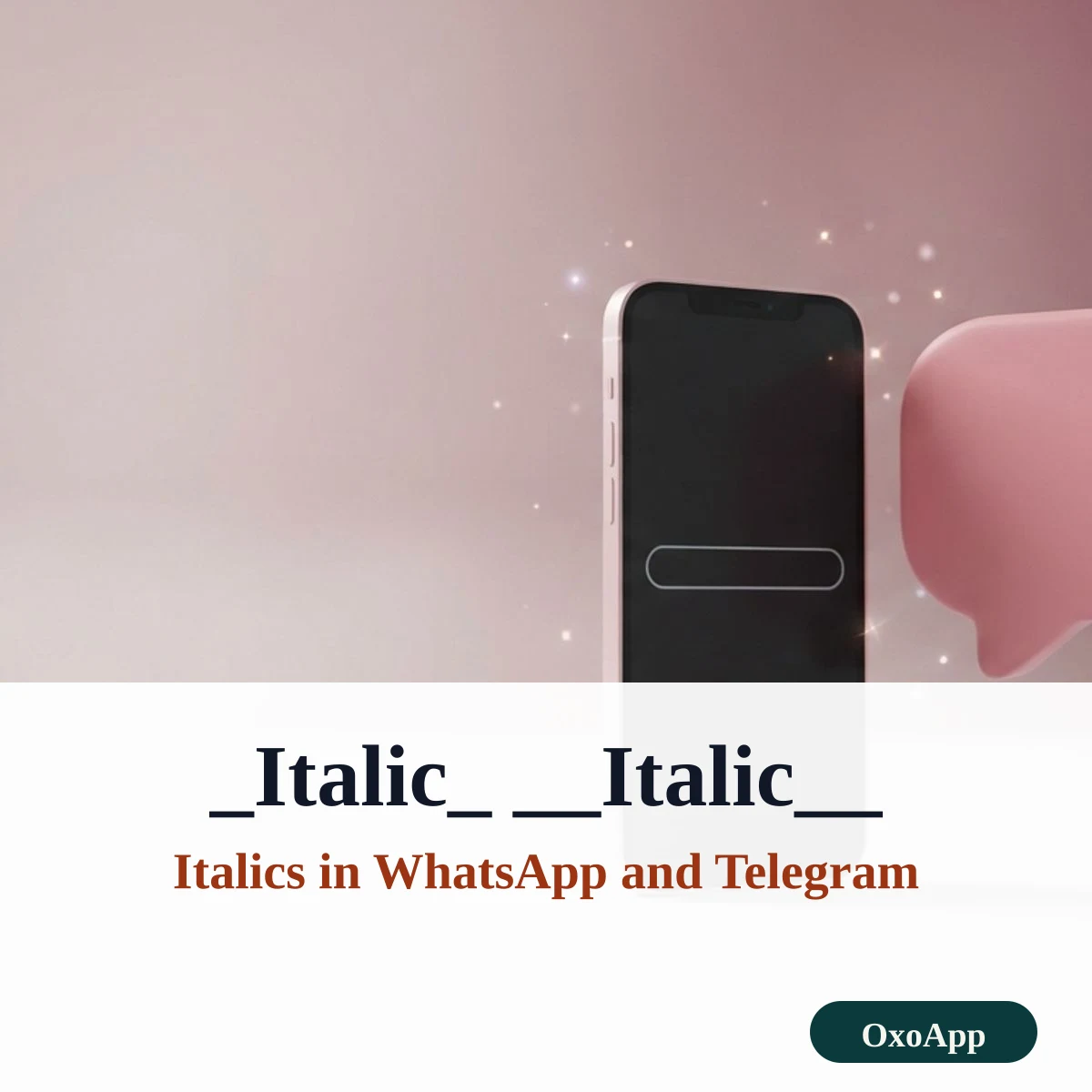
WhatsApp turns text between underscores into italics, so _text_ becomes italic. Telegram reads two underscores, __text__, or you can select the words and choose Italic from the formatting menu.
Can search engines and screen readers read it?
Often not well. Each styled letter is a separate character, so a search for the plain word will not match it, and a screen reader may announce each letter as ‘mathematical italic small a’. Use plain text where it must be found or read aloud.
More tools are on OxoApp.
Updated