Degree Symbol
Copy the degree symbol ° with one tap, then ℃, ℉ and the prime marks for angles. The page also shows the look-alikes it is confused with, such as the ordinal º and the ring ˚, and how to type ° with Alt+0176, Option+Shift+8 or a long press on 0 on an iPhone.
Temperature and angle signs
Look-alikes
Degree lines
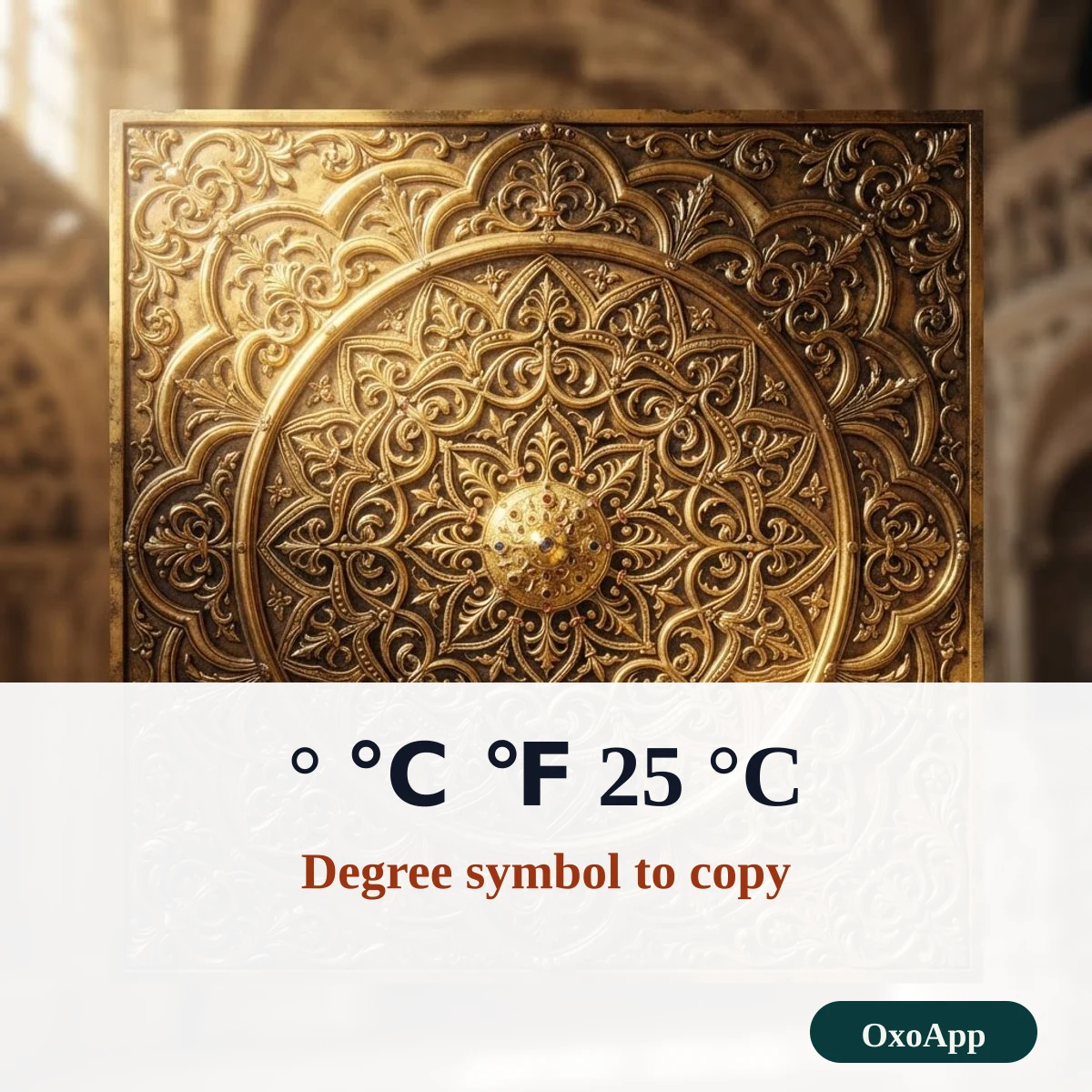
Copy a degree sign in three steps
- Tap the big ° first. It is the sign most people need, and it is copied right away.
- For a temperature, tap ℃ or ℉, or copy a ready-made line such as 25 °C and change the number.
- Paste it. Put a space before °C or °F, but no space before the ° of an angle, as in 90°.
The degree sign and its look-alikes
| Sign | Unicode name | Code | HTML | Windows | Mac |
|---|---|---|---|---|---|
| ° | Degree Sign | U+00B0 | ° |
Alt+0176 | Option+Shift+8 |
| º | Masculine Ordinal Indicator | U+00BA | º |
Alt+0186 | – |
| ˚ | Ring Above | U+02DA | ˚ |
– | – |
| ⁰ | Superscript Zero | U+2070 | ⁰ |
– | – |
| ℃ | Degree Celsius | U+2103 | ℃ |
– | – |
| ℉ | Degree Fahrenheit | U+2109 | ℉ |
– | – |
On an iPhone, press and hold 0 on the number keyboard to reach °. On Windows 10 and 11 you can also press Win + period and search for degree.
How to write degrees correctly
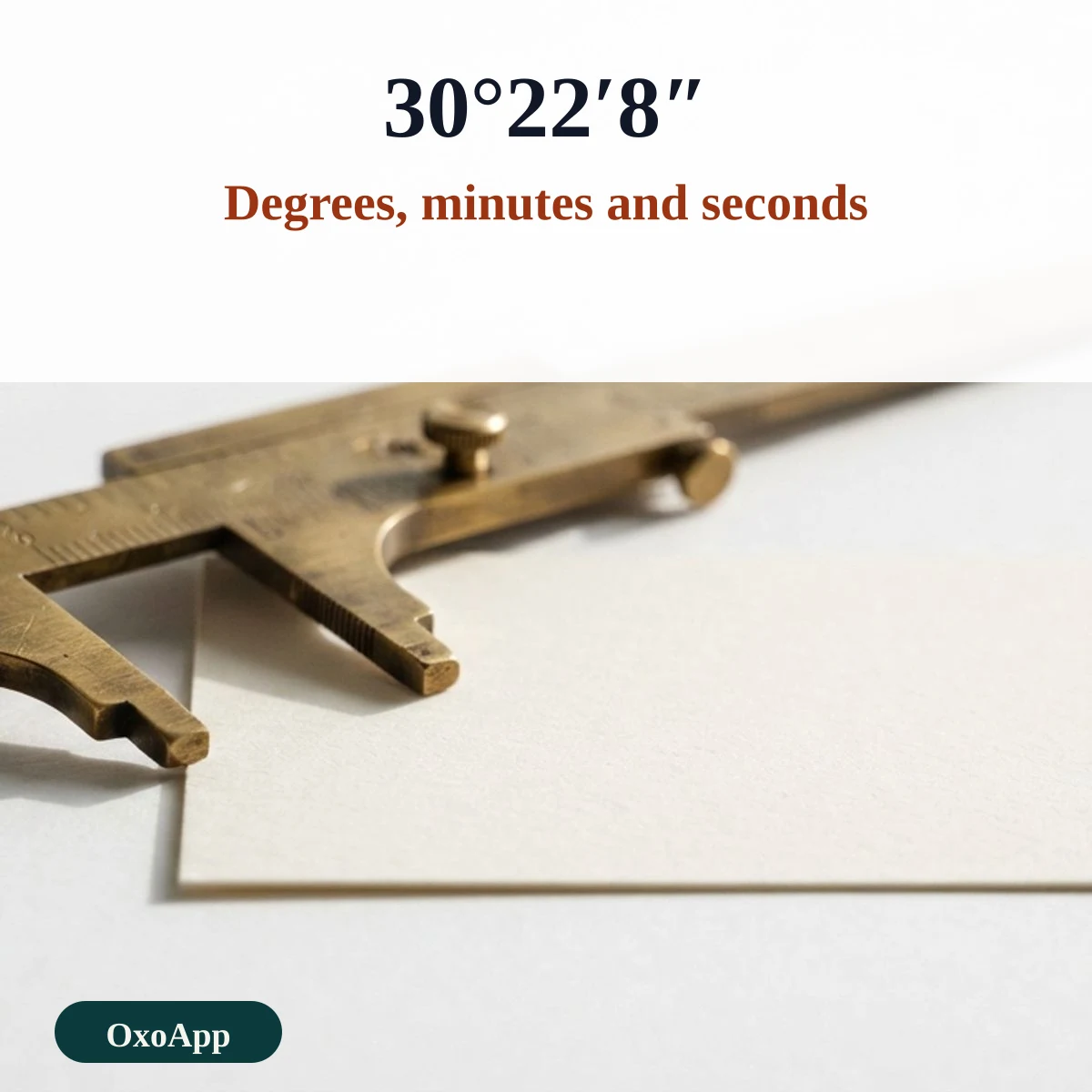
The SI rule for temperature is a space between the number and °C, as in 30.2 °C. The plane angle is the exception: no space is left, as in 30°22′8″ (30 degrees, 22 minutes, 8 seconds). The prime ′ and the double prime ″ mark minutes and seconds of an angle. A Kelvin temperature is written without a degree sign, as in 300 K. Source: NIST Guide for the Use of the International System of Units (SP 811), chapter 7.
Common temperatures in both scales
| Celsius | Fahrenheit | What it marks |
|---|---|---|
| 0 °C | 32 °F | Water freezes |
| 20 °C | 68 °F | Mild room temperature |
| 37 °C | 98.6 °F | Typical body temperature |
| 100 °C | 212 °F | Water boils at sea level |
| −40 °C | −40 °F | Both scales read the same |
The two scales meet at −40, where −40 °C equals −40 °F. To convert Celsius to Fahrenheit, multiply by 9, divide by 5 and add 32.
Framed temperatures and small numbers
Copy a framed line for a bio or a weather post, or take a small superscript number from the group below.
Framed temperature lines
Superscript and subscript
Characters that only look like °
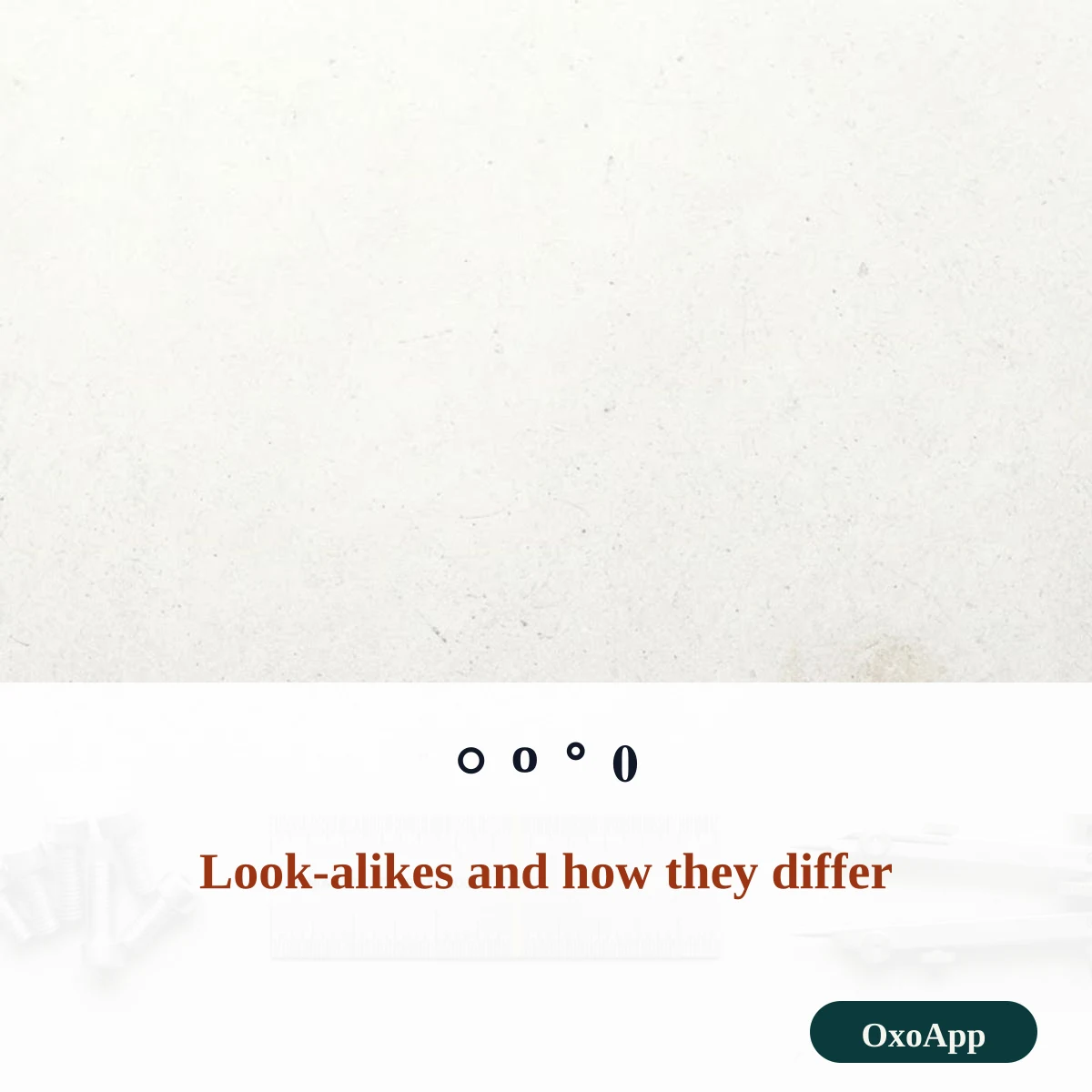
- º is the ordinal indicator, used for numbers such as 1º in Spanish and Portuguese.
- ˚ is a ring above, a spacing mark used in some languages.
- ⁰ is a superscript zero. It is smaller and sits higher than a degree sign.
- ○ ◦ ∘ are circles from other blocks. They are wider than a degree sign and are not meant for temperatures.
The wider symbols copy and paste page has more groups of signs.
Device check
The signs are copied exactly as shown, with the code in the tables. We have not yet tested them on specific phones or systems. If one appears as a box, email [email protected] with the character, device and system version.
Frequently asked questions
How do I type the degree symbol?
On Windows, hold Alt and type 0176 on the number pad. On a Mac, press Option+Shift+8. On an iPhone, press and hold 0 on the number keyboard and slide to °. In Word, type 00B0 and press Alt+X.
Is there a space between the number and °C?
Yes. NIST’s guide to the SI says a space is left between the number and °C, as in 30.2 °C. For the plane angle degree, no space is left, as in 30°22′8″.
What is the difference between ° and º?
° is the degree sign, U+00B0. º is the masculine ordinal indicator, U+00BA, used in Spanish and Portuguese, as in 1º. They look alike, but they are different characters and a search will not match them.
Should I use ℃ or °C?
Use °C, a degree sign followed by a capital C. The single character ℃, U+2103, exists for compatibility with East Asian text, and many fonts draw it differently.
Back to OxoApp.
Updated