Bubble Text Generator
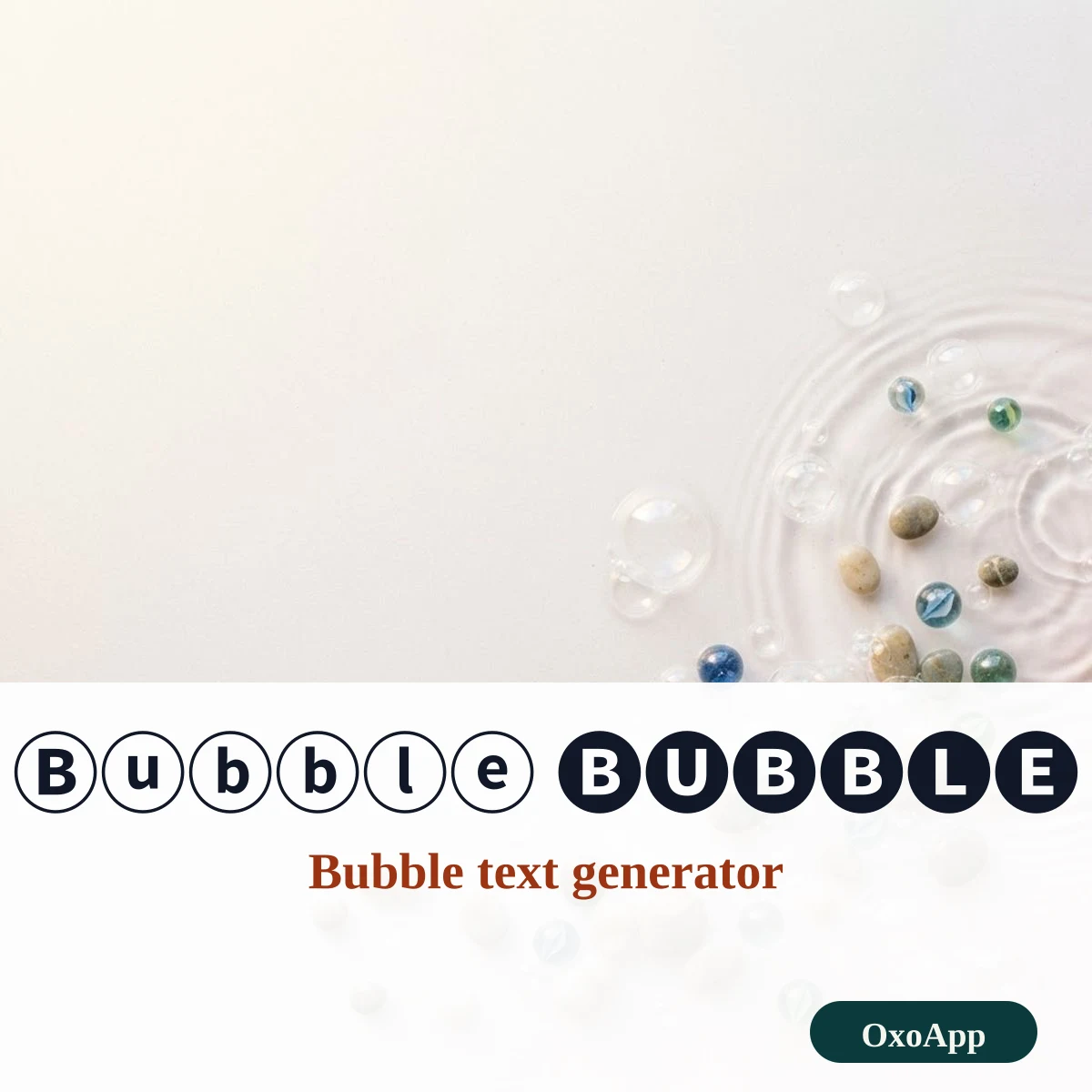
Bubble text turns letters into circled characters, such as Ⓑⓤⓑⓑⓛⓔ in white, 🅑🅤🅑🅑🅛🅔 in black and 🄱🅄🄱🄱🄻🄴 in squares. Type your words below, see every style update at once and tap Copy to paste the result into a bio, a username or a message.
- CircledⓄⓧⓞⒶⓟⓟ
- Negative circled🅞🅧🅞🅐🅟🅟
- Squared🄾🅇🄾🄰🄿🄿
- Negative squared🅾🆇🅾🅰🅿🅿
- Parenthesized🄞⒳⒪🄐⒫⒫
How to make bubble text in three steps
- Type or paste a short word into the box. The five rows under it change as you type.
- Pick the look you want: white circles, black circles, squares, black squares or letters in brackets.
- Press Copy on that row and paste it where you need it. The letters stay as text, so you can still edit or delete them.
Which circled and squared styles exist
All of these characters sit in two Unicode blocks, Enclosed Alphanumerics (U+2460–U+24FF) and Enclosed Alphanumeric Supplement (U+1F100–U+1F1FF). They are real characters, not a font, so they paste into almost any text field.
| Style | Example | Code points | Notes |
|---|---|---|---|
| Circled (white) | ⒶⒷⒸ ⓐⓑⓒ | U+24B6–U+24E9 | Both cases and digits 0–9 |
| Negative circled (black) | 🅐🅑🅒 | U+1F150–U+1F169 | Capitals only |
| Squared | 🄰🄱🄲 | U+1F130–U+1F149 | Capitals only |
| Negative squared (black) | 🅰🅱🅲 | U+1F170–U+1F189 | Capitals only; four also exist as emoji |
| Parenthesized | ⒜⒝⒞ | U+249C–U+24B5 | Lowercase; capitals sit at U+1F110–U+1F129 |
Circled numbers and their limits
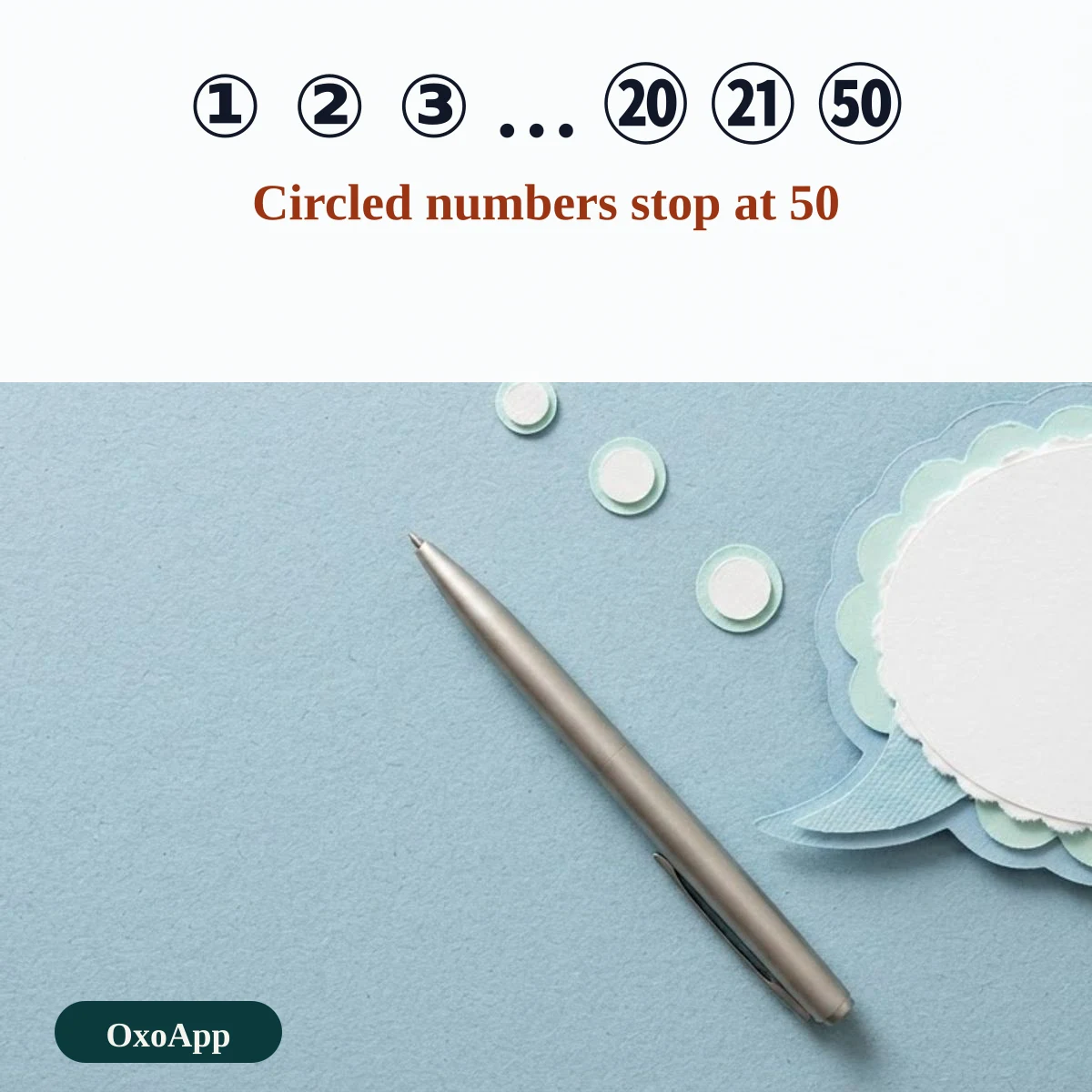
Numbers do not follow the letters. A single circled number runs from ① to ⑳, then jumps to a different block for 21 to 50. There is nothing past ㊿, so a number such as 51 must be written with digits.
| Characters | Value | Code points | Unicode block |
|---|---|---|---|
| ① – ⑳ | 1–20 | U+2460–U+2473 | Enclosed Alphanumerics |
| ㉑ – ㉟ | 21–35 | U+3251–U+325F | Enclosed CJK Letters and Months |
| ㊱ – ㊿ | 36–50 | U+32B1–U+32BF | Enclosed CJK Letters and Months |
| ⓪ | 0 | U+24EA | Enclosed Alphanumerics |
| ⓿ | 0, black | U+24FF | Enclosed Alphanumerics |
| ❶ – ❾ | 1–9, black | U+2776–U+277E | Dingbats |
Where bubble text works and where it breaks
Bubble letters are popular in profile bios, short captions and gaming names because they stand out without any formatting. They have limits worth knowing before you use them:
- Search and screen readers. Each circled letter is a different character from the plain letter, so a search for “bubble” will not find Ⓑⓤⓑⓑⓛⓔ. Screen readers may read every symbol by its long Unicode name.
- Width. Squared and black circled letters are wider than normal letters, so a name that fits in a profile field in plain text may be cut off.
- Missing glyphs. If a device has no font for a character it shows an empty box. The black and squared sets are in the newer block and are the most likely to be missing on old systems.
Device check
Characters on this page are copied exactly as shown, with their U+ codes in the tables. We have not yet tested them on specific phones or systems. If a style appears as boxes on your device, email [email protected] with the style, device and system version.
Frequently asked questions
Why do only capital letters work in the black and squared styles?
Unicode defines black circled, squared and black squared letters for capitals only. The tool changes your lowercase letters to capitals for those styles, and keeps the lowercase form for the white circled style.
What is the highest number I can put in a circle?
One character can hold a circled number up to 50: ① to ⑳ for 1–20, ㉑ to ㉟ for 21–35 and ㊱ to ㊿ for 36–50. Beyond 50 there is no single circled character.
Why do 🅰 🅱 🅾 🅿 sometimes look like colored emoji?
These four squared capitals also have an emoji form. Many phones draw them as red or blue emoji tiles instead of plain black squares, so the same text can look different on another device.
Will bubble text work in a username?
It depends on the app. Many apps accept the characters, but some filter them or show empty boxes. Test with a short word first, and keep a plain-letter version for logins.
Back to OxoApp.
Updated