Asterisk and Typography Symbols
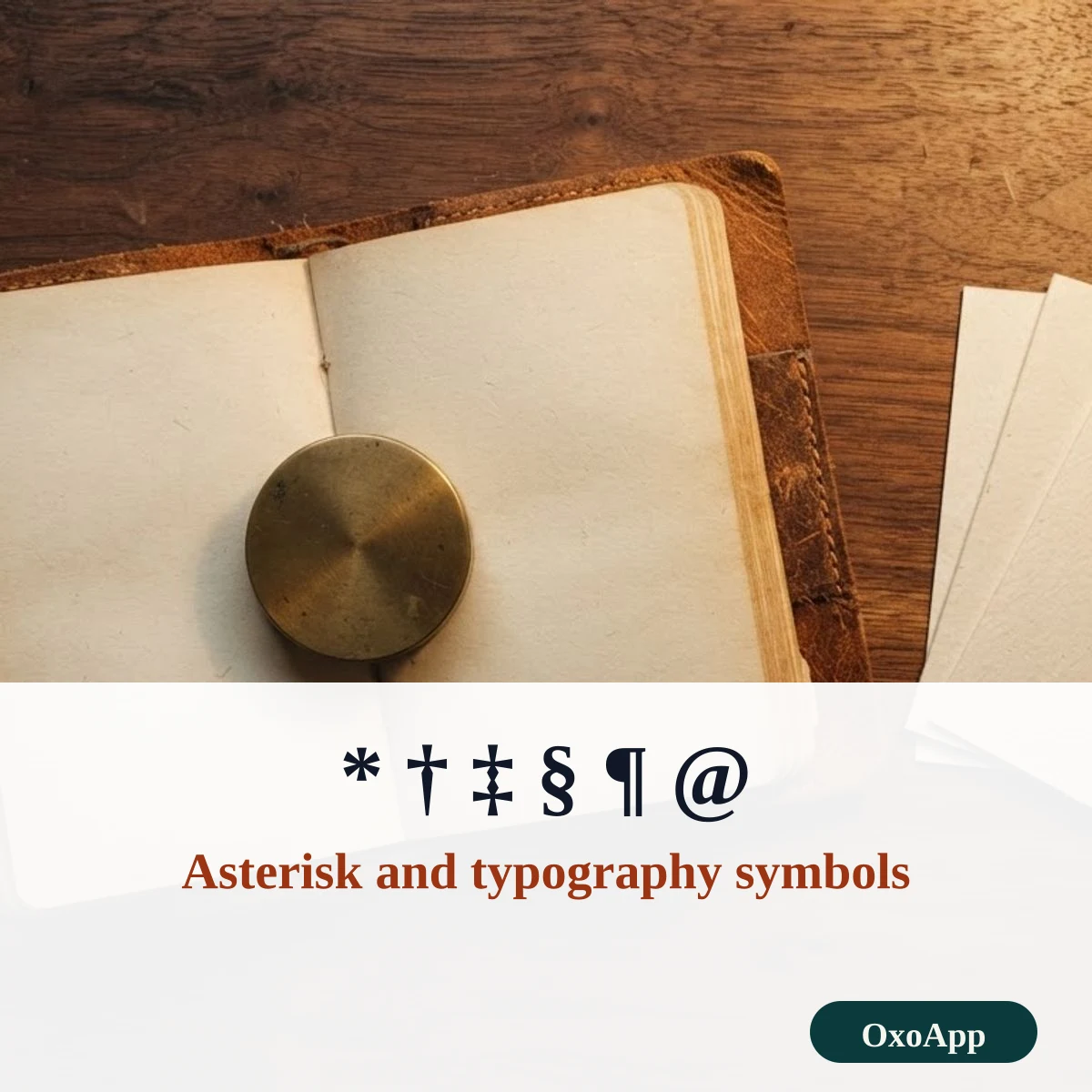
Copy the asterisk * and its look-alikes ⁎ ∗ ✱, the footnote marks † ‡ § ¶, the at sign @, the ampersand &, the number sign #, and straight and curly quotation marks. Tap one to copy it with its Unicode name and code, and see how to type each on Windows and Mac.
Asterisks, notes and quotes
Typography lines
Framed typography lines
Copy an asterisk or quote in three steps
- Tap the mark you need. Straight and curly quotes sit side by side in the first group.
- Use the filter to jump to a name such as dagger, quotation or asterisk.
- Paste it, then check that quotes come in matching pairs: an opening “ goes with a closing ”.
Typography marks with names, codes and shortcuts
| Mark | Unicode name | Code | HTML | Windows Alt | Mac / key |
|---|---|---|---|---|---|
| * | Asterisk | U+002A | * |
Shift+8 | Shift+8 |
| † | Dagger | U+2020 | † |
Alt+0134 | Option+T |
| ‡ | Double Dagger | U+2021 | ‡ |
Alt+0135 | Option+Shift+7 |
| § | Section Sign | U+00A7 | § |
Alt+0167 | Option+6 |
| ¶ | Pilcrow Sign | U+00B6 | ¶ |
Alt+0182 | Option+7 |
| “ | Left Double Quotation Mark | U+201C | “ |
Alt+0147 | Option+[ |
| ” | Right Double Quotation Mark | U+201D | ” |
Alt+0148 | Option+Shift+[ |
| ‘ | Left Single Quotation Mark | U+2018 | ‘ |
Alt+0145 | Option+] |
| ’ | Right Single Quotation Mark | U+2019 | ’ |
Alt+0146 | Option+Shift+] |
| « | Left-Pointing Double Angle Quotation Mark | U+00AB | « |
Alt+0171 | Option+\ |
| » | Right-Pointing Double Angle Quotation Mark | U+00BB | » |
Alt+0187 | Option+Shift+\ |
| @ | Commercial At | U+0040 | @ |
Shift+2 | Shift+2 |
Four asterisks, one meaning each
The keyboard asterisk * is the one most people use, for footnotes, wildcards and multiplication in a spreadsheet. Three look-alikes have other jobs. ✱ is a heavy decorative asterisk from the Dingbats block, ⁎ is a low asterisk used in some scholarly texts, and ∗ is the asterisk operator that mathematicians use for convolution and other operations.
Footnote marks in order
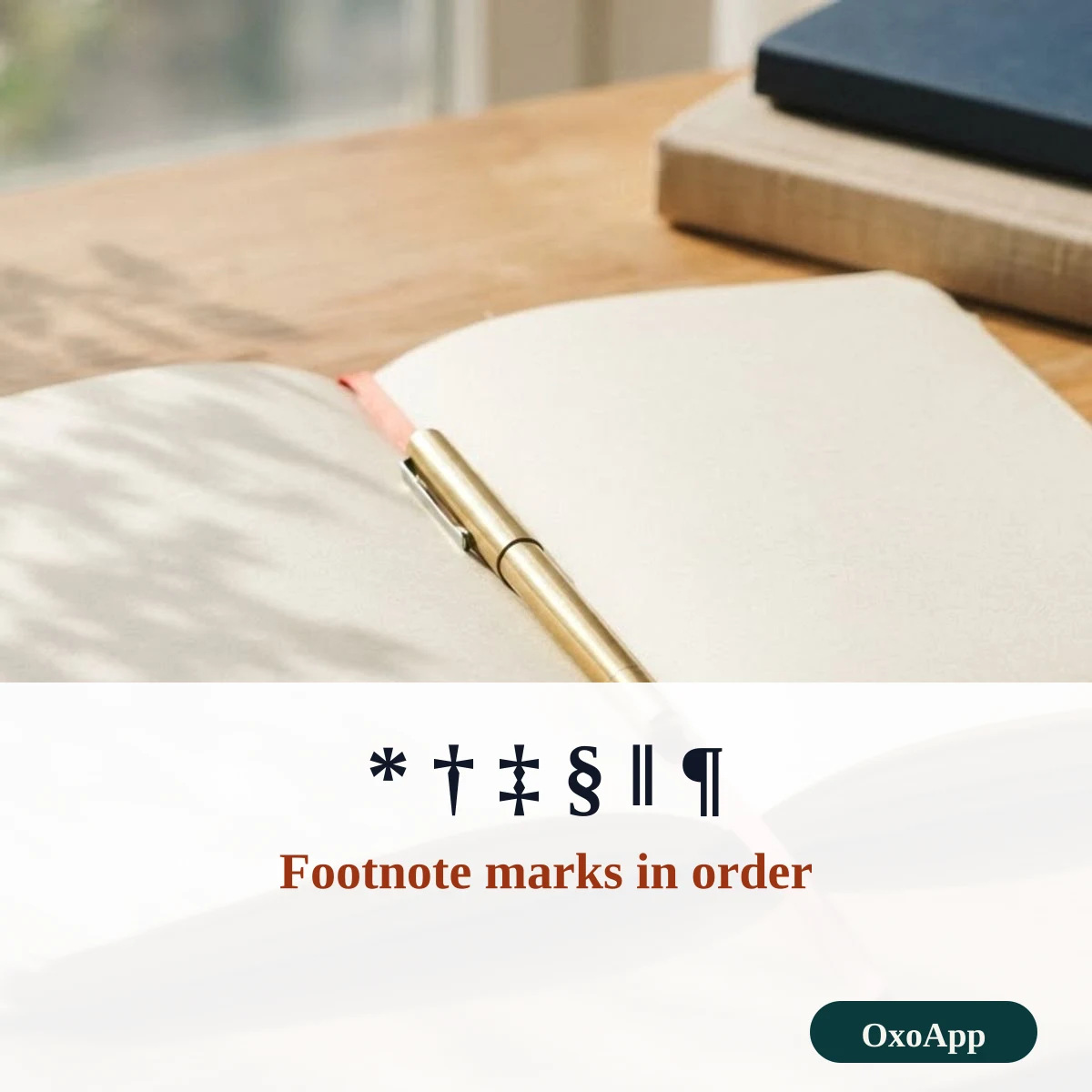
When a page has several footnotes and you do not number them, the marks follow a set order. After the sixth, writers repeat each mark twice, as in **, or switch to numbers. See also: copyright and trademark symbols.
| Footnote | Mark | Name |
|---|---|---|
| 1st | * | Asterisk |
| 2nd | † | Dagger |
| 3rd | ‡ | Double dagger |
| 4th | § | Section sign |
| 5th | ‖ | Double vertical line |
| 6th | ¶ | Pilcrow |
Straight quotes and curly quotes
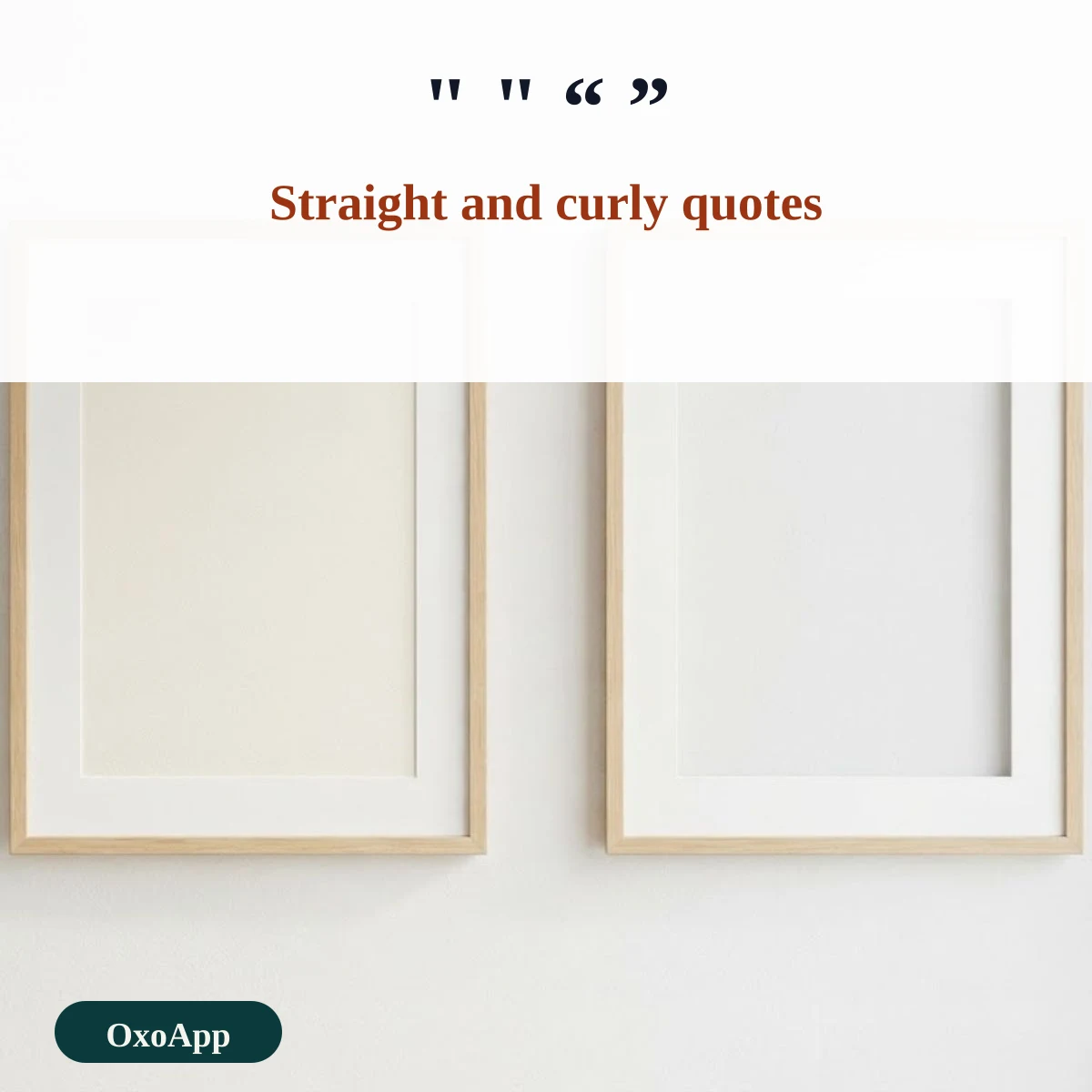
A keyboard types straight quotes, ” and ‘, which are the same on both sides of a word. Typeset text uses curly quotes, which lean toward the words they enclose: “ opens a double quote and ” closes it, ‘ opens a single quote and ’ closes it. The closing single quote ’ is also the apostrophe, as in it’s. Guillemets « » are used in French and some other languages. Word and most phones turn straight quotes into curly ones as you type, which is why pasted code sometimes breaks: a program expects straight quotes only.
At, and, hash and pilcrow
- @ separates the name from the domain in an email address and marks a username in many apps.
- & is the ampersand, a joined form of the Latin et, meaning and.
- # is the number sign, also the hash that starts a tag.
- ¶ is the pilcrow, which marks the start of a paragraph.
Related signs are on the symbols copy and paste page.
Device check
The marks are copied exactly as shown, with the code in the tables. We have not yet tested them on specific phones or systems. If one appears as a box, email [email protected] with the character, device and system version.
Frequently asked questions
What is the order of footnote marks?
The traditional order is the asterisk *, the dagger †, the double dagger ‡, the section sign §, the double vertical line ‖ and the pilcrow ¶. After that, writers double the marks or switch to numbers.
What is the difference between straight and curly quotes?
Straight quotes, ” and ‘, are the plain keyboard characters U+0022 and U+0027. Curly quotes, “ ” and ‘ ’, are the typographic forms U+201C, U+201D, U+2018 and U+2019. The closing single quote ’ is also the apostrophe.
How do I type the at sign @?
On a US keyboard press Shift+2. On other layouts it may sit on a different key or need AltGr. You can also copy it from this page.
Is the asterisk * the same as ✱?
No. * is U+002A, the keyboard asterisk. ✱ is the heavy asterisk, U+2731, a decorative dingbat. The low asterisk ⁎, U+204E, and the asterisk operator ∗, U+2217, are other look-alikes with different uses.
Back to OxoApp.
Updated