Symbols Copy and Paste
Symbols copy and paste in one tap: hearts, stars, arrows, the degree sign, math and comparison signs such as ≤ and ≥, Greek letters and more. Filter by name or code, tap a symbol to copy it, and check its Unicode name and U+ code before you paste it anywhere.
Hearts
Stars and asterisks
Arrows
Music
Math symbols
Comparison
Degree and prime
Check marks and crosses
Bullets and pointers
Greek letters
Superscript and subscript
Male, female and gender
Legal and copyright
Fractions
Currency
Copy a symbol in three steps
- Type a word such as heart, arrow or degree in the filter, or scroll to a group. You can also type a code like U+2665.
- Tap the symbol. It is copied at once, added to your selection box and to the Recently copied list, which this browser remembers.
- Paste it into your message, document or profile. Use Copy all to take several symbols together.
What is in each group
The page holds 335 different symbols in 15 groups. Every name and U+ code comes from the Unicode character database, so you can look up any symbol and check what it is before you use it.
| Group | First symbols | Count | Starts at |
|---|---|---|---|
| Hearts | ♥ ♡ ❤ ❥ ❣ | 9 | U+2665 … |
| Stars | ★ ☆ ✦ ✧ ✩ | 31 | U+2605 … |
| Arrows | ← ↑ → ↓ ↔ | 40 | U+2190 … |
| Music | ♩ ♪ ♫ ♬ ♭ | 7 | U+2669 … |
| Math | ± × ÷ ≠ ≈ | 42 | U+00B1 … |
| Comparison | < > ≤ ≥ ≠ | 24 | U+003C … |
| Degree and prime | ° ℃ ℉ ′ ″ | 8 | U+00B0 … |
| Checks and crosses | ✓ ✔ ✗ ✘ ✕ | 14 | U+2713 … |
| Bullets | • ‣ ◦ ⁃ ∙ | 27 | U+2022 … |
| Greek letters | α β γ δ ε | 48 | U+03B1 … |
| Superscript and subscript | ⁰ ¹ ² ³ ⁴ | 32 | U+2070 … |
| Male and female | ♂ ♀ ⚥ ⚦ ⚧ | 11 | U+2642 … |
| Legal and copyright | © ® ™ ℠ ℗ | 11 | U+00A9 … |
| Fractions | ½ ⅓ ¼ ⅕ ⅙ | 18 | U+00BD … |
| Currency | $ € £ ¥ ¢ | 32 | U+0024 … |
How to type symbols without copying
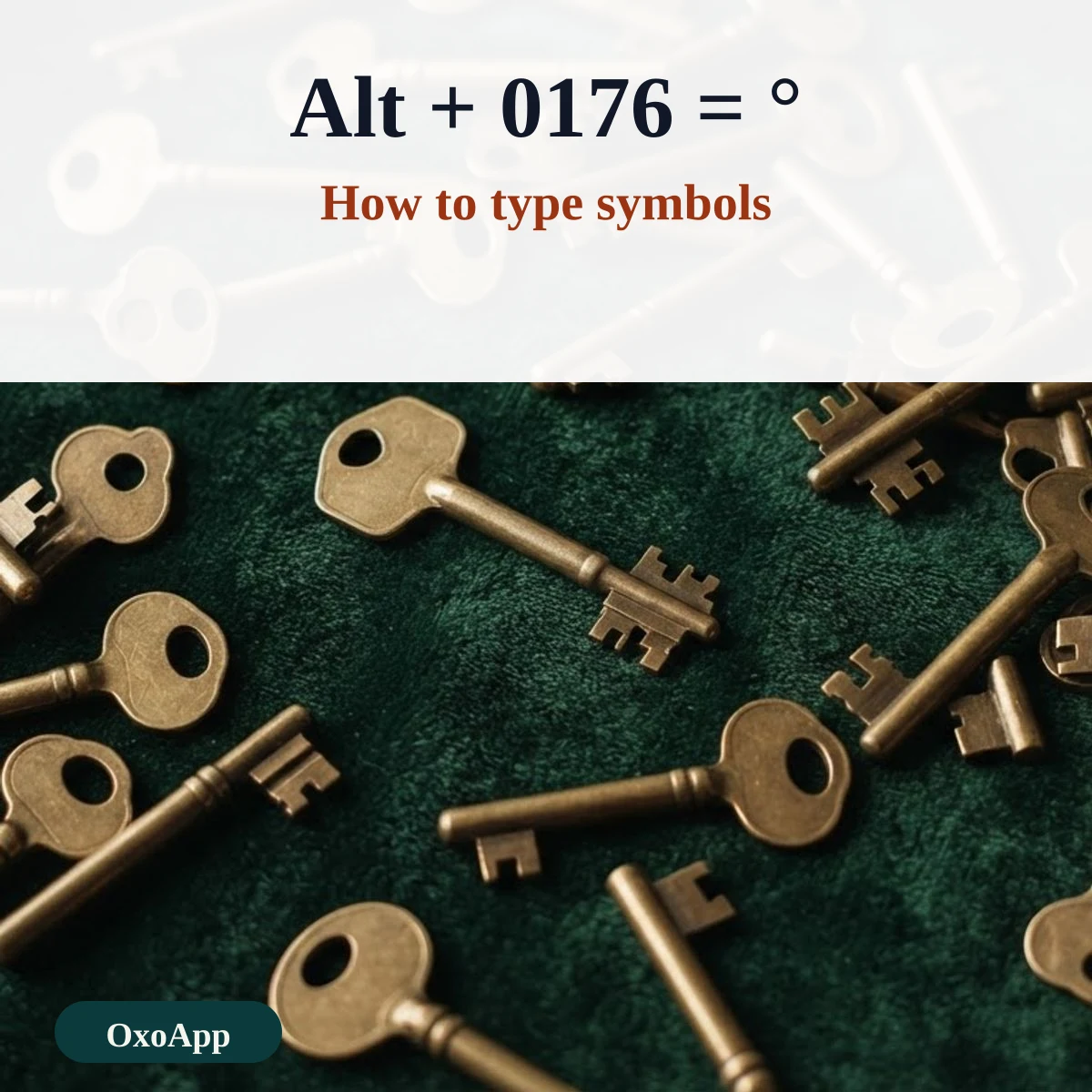
If you use a symbol often, it is faster to type it. On Windows, hold Alt and type the number on the numeric keypad: a code that starts with 0 uses the Windows code page and a code without a leading 0 uses the older DOS one. On a Mac, hold Option, with Shift for some, on a US keyboard. A dash means there is no short key. The HTML column is for web pages.
| Symbol | Unicode name | Code | HTML | Windows | Mac |
|---|---|---|---|---|---|
| ° | Degree Sign | U+00B0 | ° |
Alt+0176 | Option+Shift+8 |
| ± | Plus-Minus Sign | U+00B1 | ± |
Alt+0177 | Option+Shift+= |
| © | Copyright Sign | U+00A9 | © |
Alt+0169 | Option+G |
| ® | Registered Sign | U+00AE | ® |
Alt+0174 | Option+R |
| ™ | Trade Mark Sign | U+2122 | ™ |
Alt+0153 | Option+2 |
| € | Euro Sign | U+20AC | € |
Alt+0128 | Option+Shift+2 |
| £ | Pound Sign | U+00A3 | £ |
Alt+0163 | Option+3 |
| • | Bullet | U+2022 | • |
Alt+0149 | Option+8 |
| ≤ | Less-Than Or Equal To | U+2264 | ≤ |
Alt+243 | Option+, |
| ≥ | Greater-Than Or Equal To | U+2265 | ≥ |
Alt+242 | Option+. |
| ≠ | Not Equal To | U+2260 | ≠ |
– | Option+= |
| √ | Square Root | U+221A | √ |
Alt+251 | Option+V |
| ∞ | Infinity | U+221E | ∞ |
Alt+236 | Option+5 |
| π | Greek Small Letter Pi | U+03C0 | π |
Alt+227 | Option+P |
| ♥ | Black Heart Suit | U+2665 | ♥ |
Alt+3 | – |
| ♂ | Male Sign | U+2642 | ♂ |
Alt+11 | – |
| ♀ | Female Sign | U+2640 | ♀ |
Alt+12 | – |
| → | Rightwards Arrow | U+2192 | → |
Alt+26 | – |
| ✓ | Check Mark | U+2713 | ✓ |
– | – |
On an iPhone, press and hold 0 on the number keyboard to get °, and hold the hyphen for dashes and a bullet. On Android, open the number layout and press the symbols key. On Windows 10 and 11 you can also press Win + period to open the emoji and symbol panel, and on a Mac press Control + Command + Space for the character viewer.
Greater than or equal and the other comparison signs
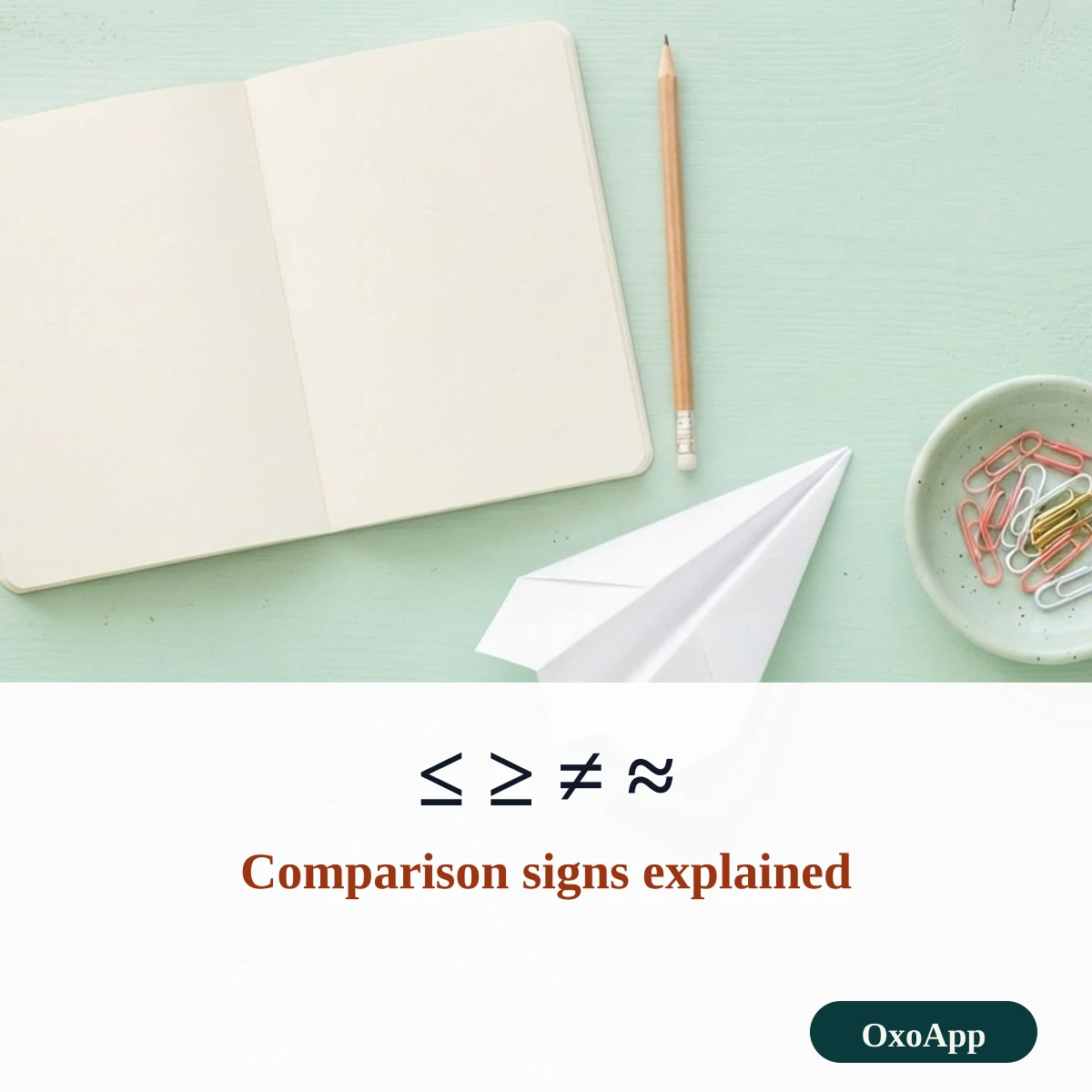
Comparison symbols are the ones people search for most. The less-than-or-equal sign ≤ is U+2264 and the greater-than-or-equal sign ≥ is U+2265. Both are single characters, unlike the two-key forms <= and >= that programmers type. Use the single signs in documents and messages, and the two-key forms in code or in a field that accepts only plain keyboard characters. Not equal ≠ is U+2260 and almost equal ≈ is U+2248.
Symbols for names and bios
Hearts, stars and small shapes are popular in nicknames and bios. Many apps accept them, but some strip or replace characters they do not know, and a few block them in usernames. Keep a plain-letter version of any name that matters, and try your choice in a draft before you commit to it.
Device check
Symbols are copied exactly as shown, with the U+ code under each one. We have not yet tested every symbol on specific phones or systems. If one shows as a box on your device, email [email protected] with the symbol, device and system version.
Frequently asked questions
How do I copy and paste a symbol?
Tap the symbol and it is copied to your clipboard. Then paste it with Ctrl+V on Windows, Cmd+V on a Mac, or press and hold in a text field on a phone and choose Paste.
How do I type the greater than or equal sign?
Copy ≥ from the comparison group, or type it directly: Option+period on a Mac, or Alt+242 on the Windows number pad. If a field only takes plain keyboard characters, write >= instead.
What are the male and female symbols?
The male sign ♂ is U+2642 and the female sign ♀ is U+2640. The gender group also holds ⚥, ⚧ and other signs defined in the Miscellaneous Symbols block.
Why does a symbol show as a box on my screen?
The character is valid, but the font in use has no picture for it. Try another browser or app, or pick a different symbol from the same group. Boxes are more common for rare symbols on older devices.
More tools are on OxoApp.
Updated