Strikethrough Text Generator
Strikethrough text puts a line through your words, like s̶t̶r̶i̶k̶e̶, using combining Unicode marks instead of a font. Type below to get single, double, slash and underline versions, plus the markers WhatsApp and Discord use, then copy the result into any chat, bio or note.
- StrikethroughO̶x̶o̶A̶p̶p̶
- Double strikeO̶̵x̶̵o̶̵A̶̵p̶̵p̶̵
- Slash throughO̸x̸o̸A̸p̸p̸
- UnderlineO̲x̲o̲A̲p̲p̲
- WhatsApp strikethrough~OxoApp~
- Discord strikethrough~~OxoApp~~
Cross out text in three steps
- Type the words into the box. Spaces are struck as well, so the line runs across the whole phrase.
- Choose how the line should look: through the middle, doubled, slanted or underneath.
- Copy the row and paste it. If the app shows the line broken at the spaces, try the same text in a different app first.
The combining marks behind each style
These styles do not change the letters. Each one adds a combining character after the letter, and the combining character draws the line. That is why the effect survives copy and paste but also why it depends on how the receiving app draws combining marks.
| Style | Example | Code points | Unicode name |
|---|---|---|---|
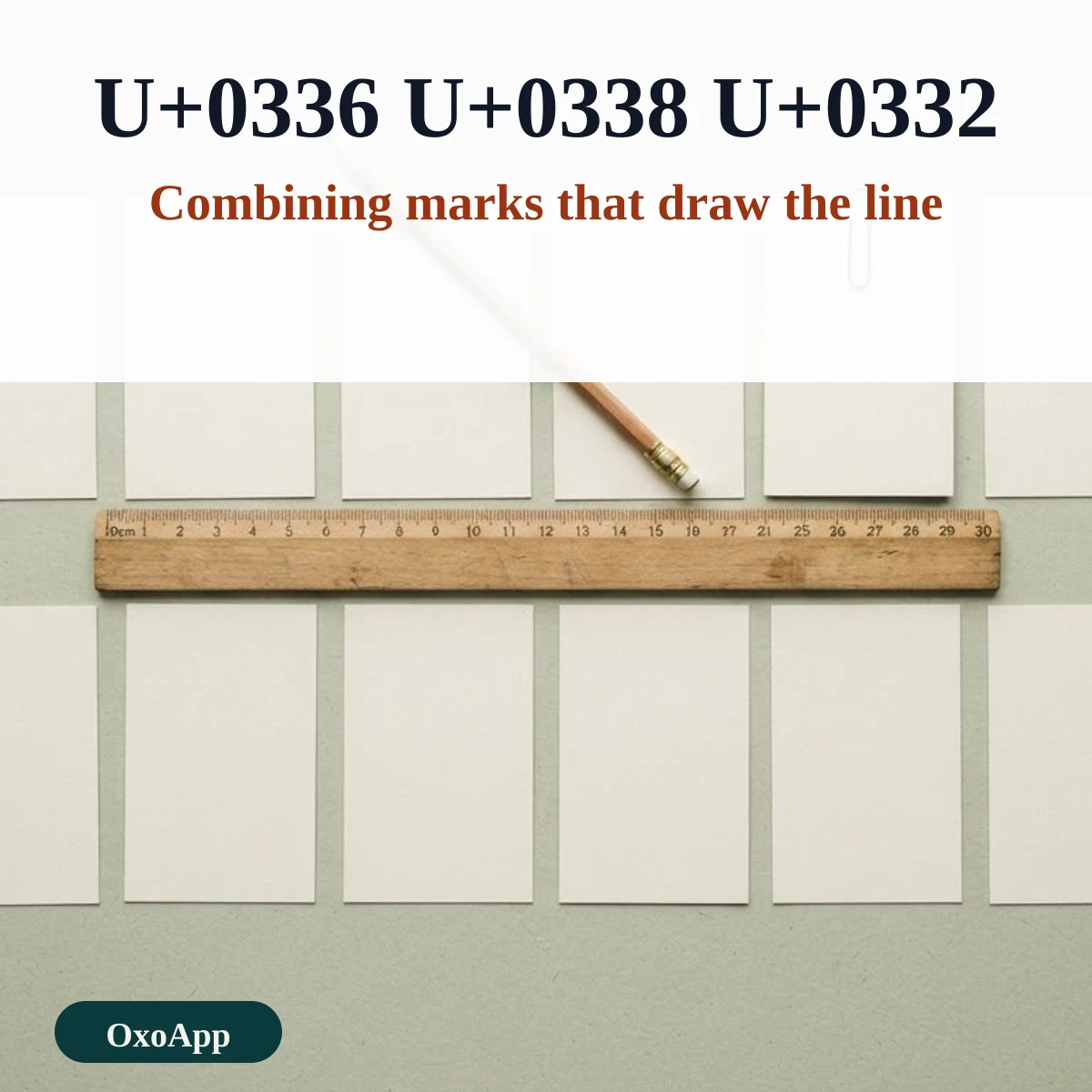
| Strikethrough | s̶t̶r̶i̶k̶e̶ | U+0336 | Combining long stroke overlay |
| Double strike | s̶̵t̶̵r̶̵i̶̵k̶̵e̶̵ | U+0336 U+0335 | Long stroke plus short stroke overlay |
| Slash through | s̸t̸r̸i̸k̸e̸ | U+0338 | Combining long solidus overlay |
| Underline | s̲t̲r̲i̲k̲e̲ | U+0332 | Combining low line |
| Double underline | s̳t̳r̳i̳k̳e̳ | U+0333 | Combining double low line |
| Overline | s̅t̅r̅i̅k̅e̅ | U+0305 | Combining overline |
Strikethrough that the app draws itself
Many apps have their own short markers for a struck line. They keep the words as ordinary text, which is better for search and for people who use screen readers, and they are the safer choice when the app supports them.
| App | Type this | Notes |
|---|---|---|
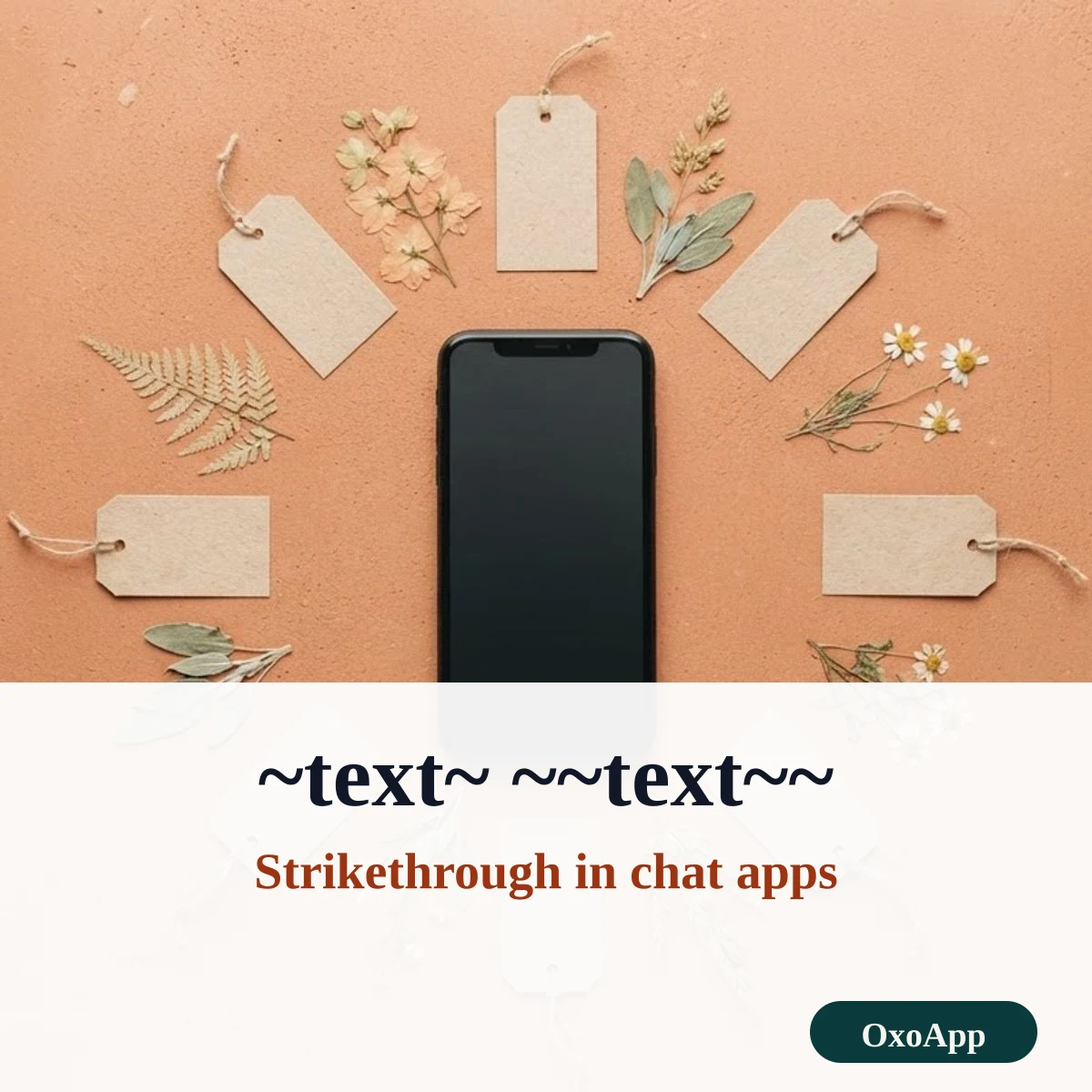
| ~text~ | Single tildes | |
| Discord | ~~text~~ | Double tildes |
| Telegram | ~~text~~ | Typed markers or the formatting menu |
| Slack | ~text~ | Single tildes |
| GitHub and Markdown | ~~text~~ | Double tildes |
| HTML | <s>text</s> | Tag for a struck line |
Quirks you may see
- Emoji. The line may be skipped, shifted or drawn on the wrong side of an emoji, because emoji come from a separate font.
- Line gaps. Some fonts draw the stroke a little too short, so a gap shows between letters. Switching to the slash style or another app can hide it.
- Counts. Every struck letter is two characters, so a 10-letter word is 20 characters, which matters for character limits.
- Reading aloud. A screen reader may stop on every combining mark, so struck text is slow to hear. Keep it short.
Device check
The marks above were copied as shown and the code points are in the tables. We have not yet tested every phone, browser and app. If the line is missing or misplaced on your device, email [email protected] with the style, the app and the system version.
Frequently asked questions
How does strikethrough text work without formatting?
A combining mark such as U+0336 is placed after each letter and draws a line over it. Because the line is part of the text, it survives copy and paste into apps that have no strikethrough button.
Why does my struck text look broken next to an emoji?
Combining marks attach to the character before them. Emoji are drawn by a different font, so the line can land in the wrong place or be skipped. Keep struck words and emoji apart.
How long can the text be?
Every struck letter is two characters, the letter and the mark, so a 10-letter word is 20 characters. Double strike adds a third. Check the limit of the app you paste into.
Is there a way that keeps the text searchable?
Yes. In WhatsApp, ~text~ strikes the text through, and in Discord and GitHub ~~text~~ does. The words stay plain text, so search and screen readers still read them.
More tools are on OxoApp.
Updated