Greater Than or Equal To Symbol
The greater than or equal to symbol is ≥, U+2265. Copy it below with its relatives ⩾, >, ≫ and ≳, then see how to type it with 2265 Alt+X in Word, Option+period on a Mac, Alt+242 on older Windows code pages, or >= in Excel and code.
Greater than and greater than or equal
Greater-than lines
Framed greater-than lines
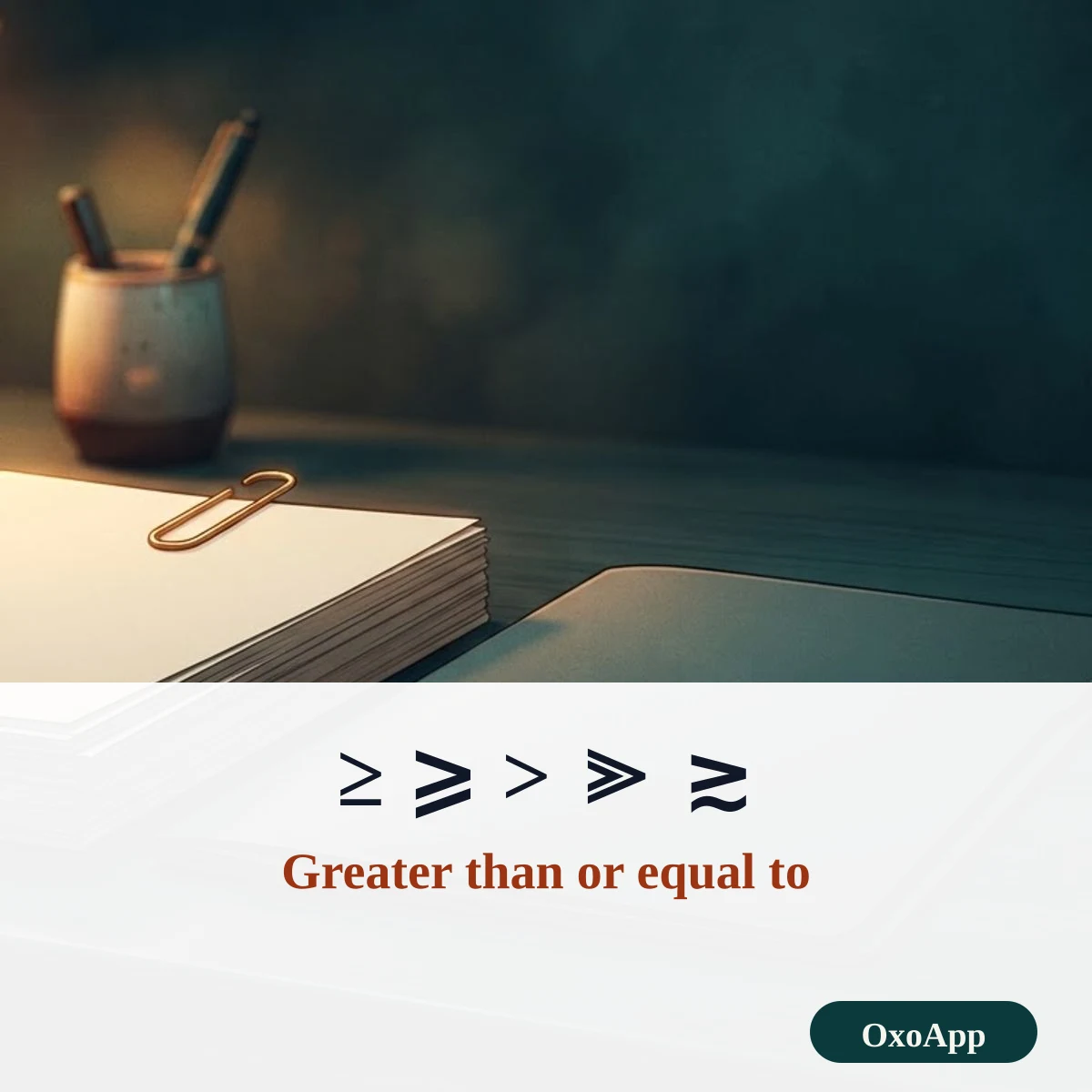
Copy ≥ in three steps
- Tap ≥ in the first group. It is copied and added to the selection box.
- Choose another form if you need it: ⩾ with the slanted bar, ≧ with a double bar, or ≫ for much greater than.
- Paste it into your note, worksheet or message. In a formula, type >= instead of the single sign.
Greater-than signs with names, codes and shortcuts
| Sign | Unicode name | Code | HTML | Windows | Mac | LaTeX |
|---|---|---|---|---|---|---|
| ≥ | Greater-Than Or Equal To | U+2265 | ≥ |
Alt+X after 2265 | Option+. | \geq |
| ≧ | Greater-Than Over Equal To | U+2267 | ≧ |
Alt+X after 2267 | – | \geqq |
| ⩾ | Greater-Than Or Slanted Equal To | U+2A7E | ⩾ |
Alt+X after 2A7E | – | \geqslant |
| > | Greater-Than Sign | U+003E | > |
Shift+period | Shift+. | > |
| ≫ | Much Greater-Than | U+226B | ≫ |
Alt+X after 226B | – | \gg |
| ≳ | Greater-Than Or Equivalent To | U+2273 | ≳ |
Alt+X after 2273 | – | \gtrsim |
On older Windows code pages, Alt+242 types ≥. In Word, the reliable way is to type the hex code and press Alt+X. A dash means there is no short key.
Which way does it point?
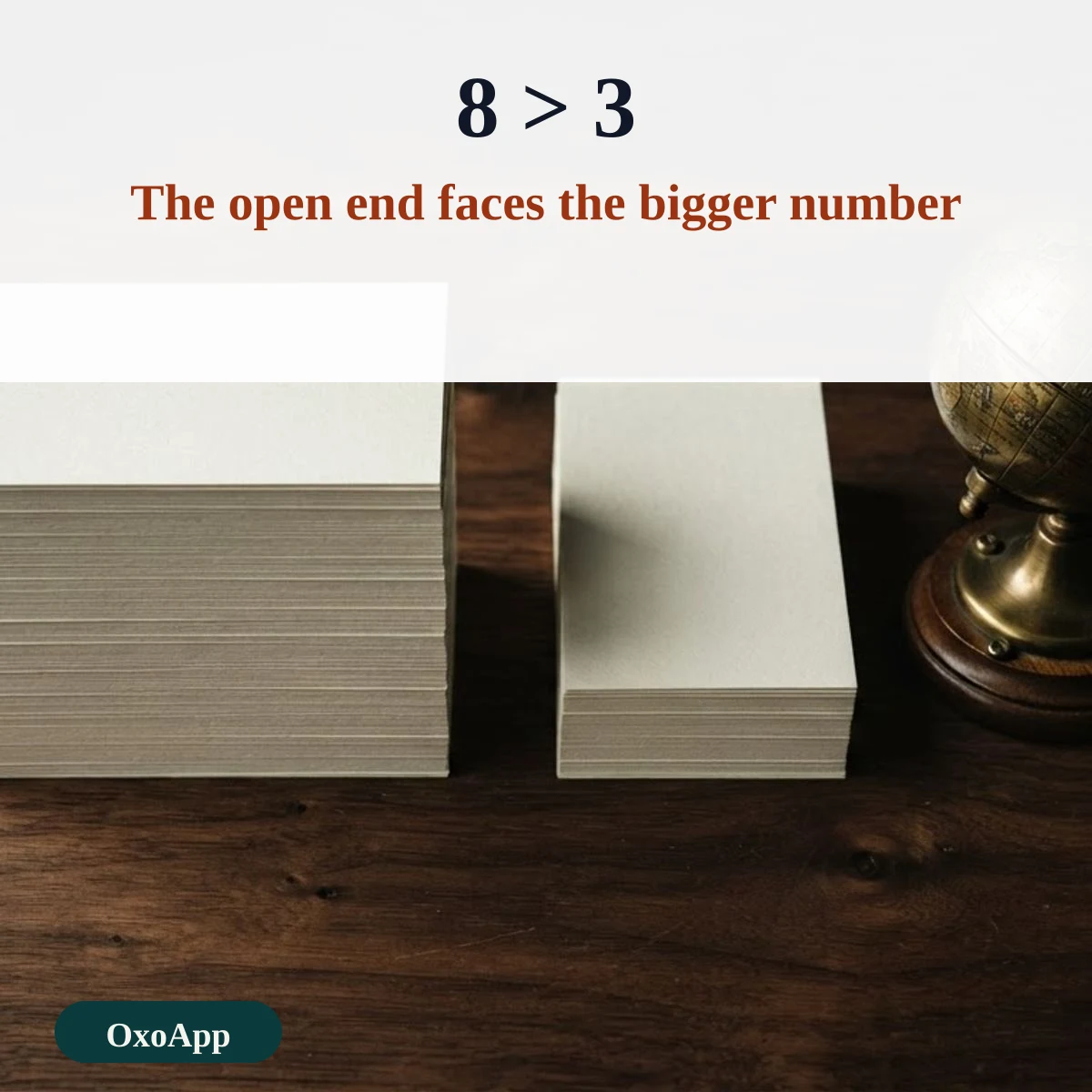
The open end of the sign faces the bigger number and the point faces the smaller one. Read it from left to right: 8 > 3 says 8 is greater than 3. Adding the line below, as in ≥, means the two sides can also be equal.
| Written | Read as | Result |
|---|---|---|
| 8 > 3 | 8 is greater than 3 | True |
| 5 ≥ 5 | 5 is greater than or equal to 5 | True, because they are equal |
| 4 ≥ 7 | 4 is greater than or equal to 7 | False |
| age ≥ 18 | age is 18 or more | True for 18, 19, 20 and up |
| x ≫ y | x is much greater than y | Order of magnitude difference |
≥ in Excel, Google Sheets and code
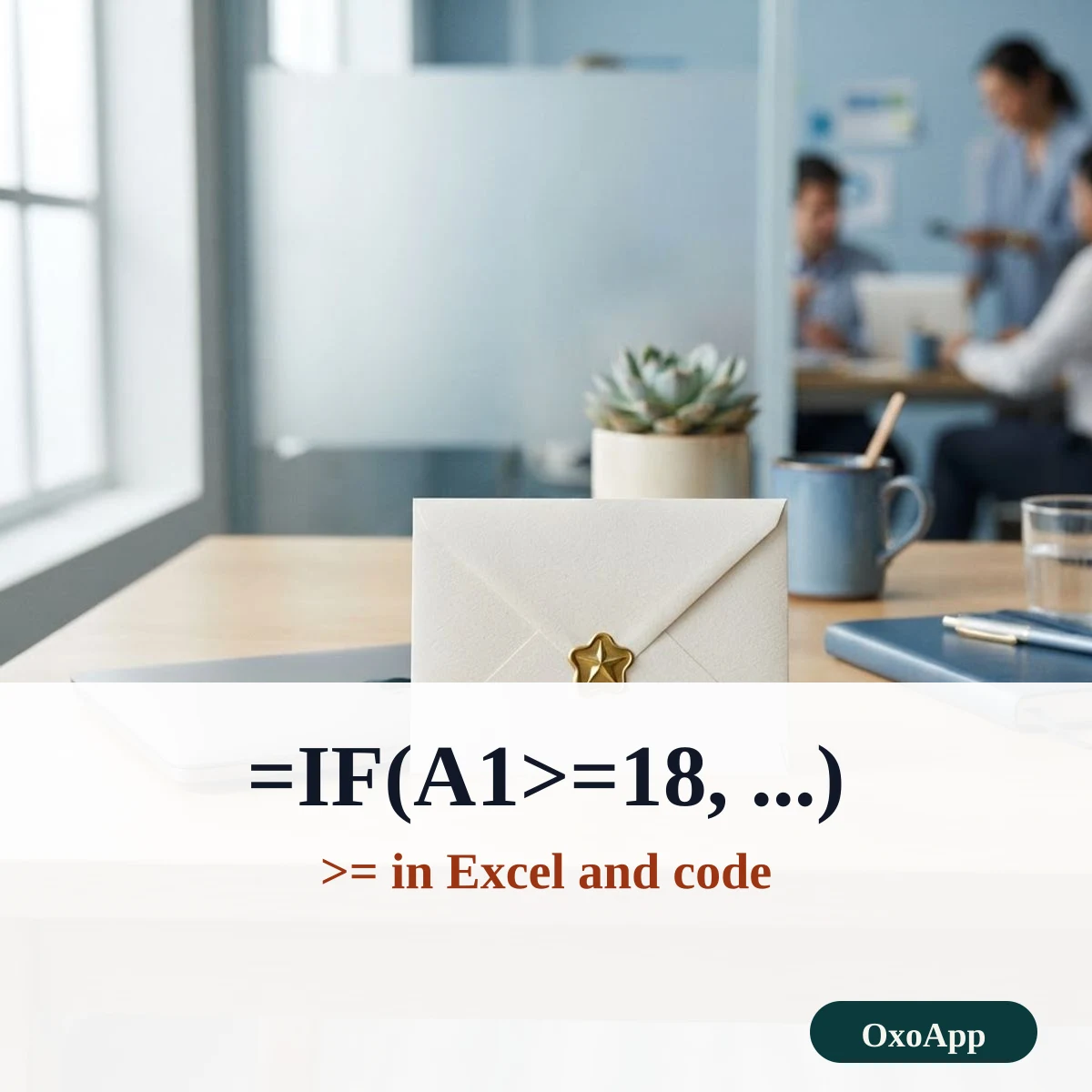
Spreadsheets and programming languages use plain keyboard characters. In Excel and Google Sheets, a comparison is written >=, as in =IF(A1>=18,”adult”,”minor”). In many languages, >= means the same. The single character ≥ is for text, such as a label that says age ≥ 18. If a formula returns an error after you pasted ≥, replace it with >=.
Greater than, at least and more than
- More than means > and excludes the number itself.
- At least means ≥ and includes it: at least 18 means 18 or older.
- Much greater than means ≫ and is used for large gaps, not for exact limits.
The matching small-than sign and its relatives are on the square root symbol page, along with other math signs, and more groups are on symbols copy and paste.
Device check
The signs are copied exactly as shown, with the code in the tables. We have not yet tested them on specific phones or systems. If one appears as a box, email [email protected] with the character, device and system version.
Frequently asked questions
Which way does the greater than sign point?
The open end faces the larger number and the point faces the smaller one. In 8 > 3 the open side is toward 8. The alligator-mouth trick helps: the alligator always eats the bigger number.
How do I type ≥ on a keyboard?
In Word, type 2265 and press Alt+X. On a Mac, press Option+period. On Windows, Alt+242 works in many apps that use the older code page. In Excel and code, type >=.
What is the difference between ≥ and ⩾?
Both mean greater than or equal to. ⩾ is U+2A7E and has a slanted bar under the sign, which some textbooks and countries prefer. ≥ is U+2265 and is the common form.
Why does ≥ not work inside an Excel formula?
Excel reads only the keyboard form >= in formulas. The single character ≥ is treated as text. Use ≥ in a label or a note, and >= in the formula.
Back to OxoApp.
Updated