Star Symbols
Star symbols to copy and paste: solid ★, outline ☆, pointed ✦ ✧ ✩ ✪ ✫ ✬ ✭ ✮ ✯ ✰, the star operator ⋆ and star emoji. Tap any of the 61 below to copy it with its Unicode name and code, or take a ready-made rating string or star divider for a bio.
Star characters
Star emoji
Rating strings
Star dividers for bios
Copy a star in three steps
- Choose a group: star characters, star emoji, rating strings or dividers. Type star, pointed or a code such as U+2605 in the filter to narrow the list.
- Tap the star you want. It is copied and added to the selection box so you can build a row.
- Paste it into your text, review, caption or bio. Replace ★ with ☆ to show empty stars in a rating.
Star characters with names, codes and shortcuts
| Star | Unicode name | Code | HTML | Word shortcut | LaTeX |
|---|---|---|---|---|---|
| ★ | Black Star | U+2605 | ★ |
Alt+X after 2605 | \bigstar |
| ☆ | White Star | U+2606 | ☆ |
Alt+X after 2606 | – |
| ⋆ | Star Operator | U+22C6 | ⋆ |
Alt+X after 22C6 | \star |
| ✦ | Black Four Pointed Star | U+2726 | ✦ |
Alt+X after 2726 | – |
| ✧ | White Four Pointed Star | U+2727 | ✧ |
Alt+X after 2727 | – |
| ✩ | Stress Outlined White Star | U+2729 | ✩ |
Alt+X after 2729 | – |
| ✪ | Circled White Star | U+272A | ✪ |
Alt+X after 272A | – |
| ⭐ | White Medium Star | U+2B50 | ⭐ |
Emoji keyboard | – |
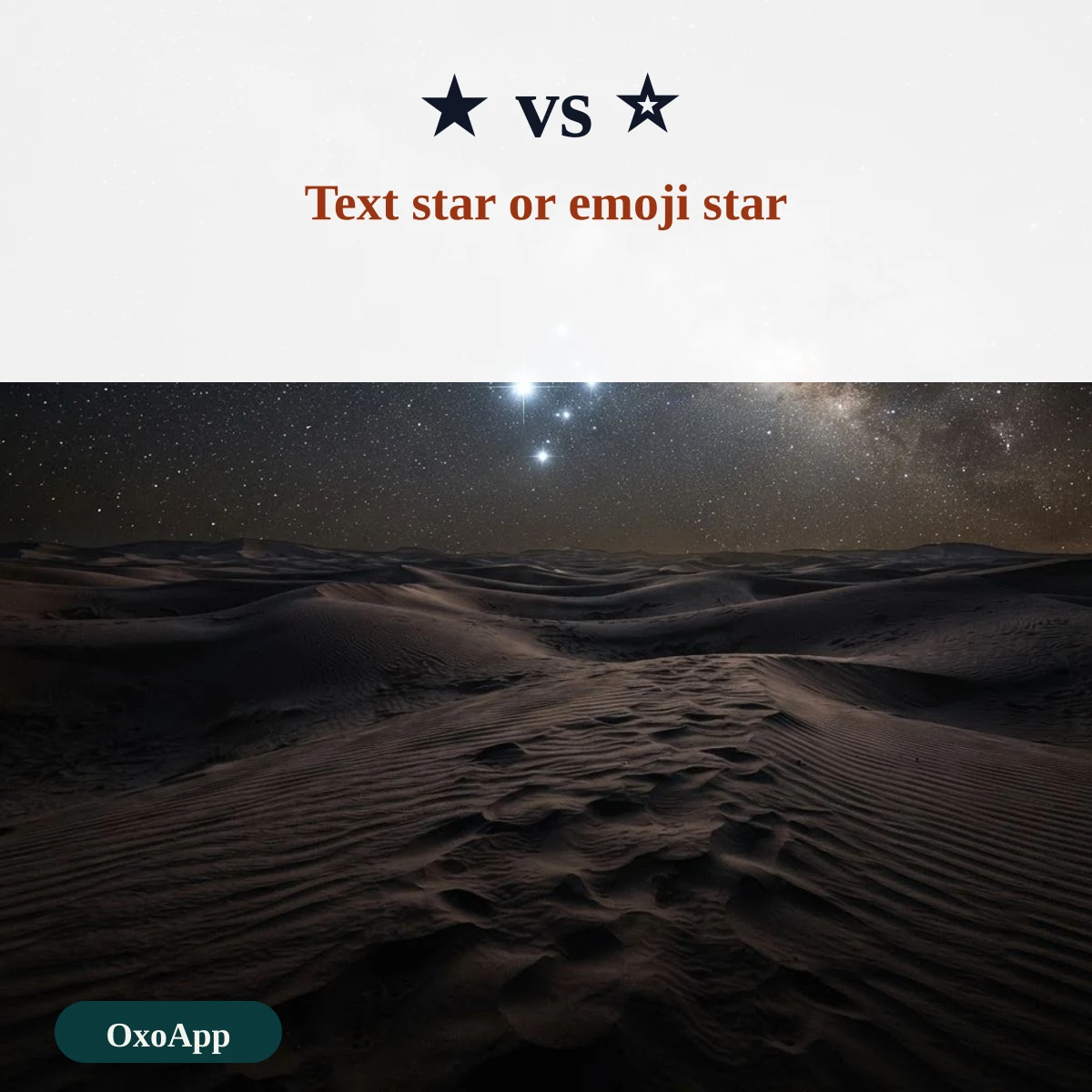
Text stars and emoji stars
The page holds 28 text stars, which are ordinary characters that follow the color of the text around them. It also holds 5 star emoji, which are colored pictures drawn by the system. ⭐ is the star emoji. ✨ is the sparkles emoji, which is not a star, although it is often used like one. The star operator ⋆, U+22C6, is a small math star and sits lower in the line than ★.
Star ratings and dividers
A rating string uses solid stars for the points earned and outline stars for the rest, such as ★★★☆☆. The strings in the tool only show the format, and no number is attached to them. The dividers are short decorative lines made of stars and dots, and they separate a bio into parts. Each divider is made of several characters, so it uses more of a character limit than a single star. See also: arrow symbol.
Which star to pick
- Ratings: ★ and ☆ are the clearest pair.
- Bullets and lists: ✦ or ✧ look neat and are narrow.
- Highlights: ✪ and ✯ draw the eye.
- Safe everywhere: ★ and ☆ are found in almost every font, while the rarer pointed stars may show as boxes on older systems.
Another family of signs is on the symbols copy and paste page.
Device check
Stars are copied exactly as shown, with the code under each. We have not yet tested them on specific phones or systems. If one appears as a box, email [email protected] with the star, device and system version.
Frequently asked questions
What is the difference between ★ and ⭐?
★ is the black star, U+2605, a text symbol that takes the color of your text. ⭐ is the white medium star emoji, U+2B50, which most phones draw as a yellow star.
How do I type a star on a keyboard?
In Word, type 2605 and press Alt+X for ★, or 2606 for ☆. On a Mac or phone, open the character viewer or emoji keyboard, or copy the star from this page.
Is the asterisk * a star?
No. The asterisk is U+002A and is used for footnotes and bold in some apps. A star symbol is a separate character, and a search for one will not find the other.
How do I write a star rating?
Use a row of ★ for the filled stars and ☆ for the empty ones, such as ★★★★☆. The rating strings in the tool are examples of the format. They are not real ratings of anything.
Back to OxoApp.
Updated